
Talk to the Experts on NDAA-Compliant Security Cameras

All CCTV Security Pros cameras are supported by a 100% money-back guarantee, a three-year warranty, and free USA-based support.
Our professional security camera systems, designed for both indoor and outdoor use, offer unmatched protection for your business and home. With our advanced technology, you can enjoy high-definition video quality of up to 4k ultra HD that captures every detail with exceptional clarity. Whether you need to monitor your residential property, office space, or business establishment, our cameras deliver superior image quality day and night. Our security cameras and security camera systems have no monthly or subscription fees.
With our intuitive smartphone app and computer viewing software, you can stay connected to your property from anywhere and at any time. Whether you're running errands or traveling abroad, our user-friendly mobile app allows you to view live feeds, access recorded footage, zoom in on important areas, and receive smart motion notifications. Rest assured that your recorded surveillance is securely stored on the built-in hard drive until you need to download the footage.
Setting up your security camera system is now easier than ever with our plug and play installation process. Whether you select an IP camera system or an HD over coax security camera system we make it so easy that even non-technical users can complete the installation effortlessly, as we provide all the necessary components for a fast, hassle-free setup.
Our team of knowledgeable and experienced experts is always ready to assist you throughout the installation process. With our step-by-step instructions, quick start guides, comprehensive knowledge center, and instructional videos, you can confidently set up your video surveillance system effectively. If you require a customized combination of cameras for your specific needs, simply give us a call, and our experts will guide you in choosing the right cameras for your application.
With CCTV Security Pros, your satisfaction is our priority. That's why we offer unlimited technical support for the lifetime of your security camera system. Whether you have questions about specific features or need assistance with troubleshooting, our team of experts is just a phone call away.
Our CCTV security camera systems provide superior protection for both business and home environments. With high-definition video quality, convenient remote access, effortless installation, and lifetime technical support, our comprehensive solutions ensure that you can monitor your property with confidence. Invest in our security camera systems today for peace of mind and uncompromised security.
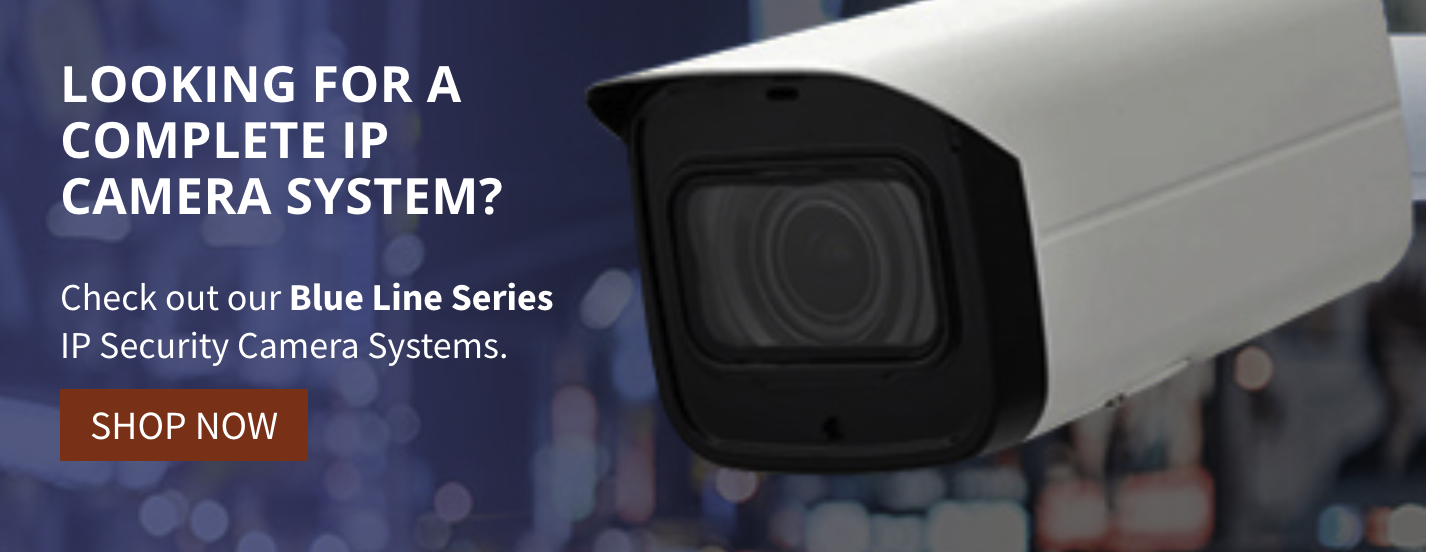
These complete security systems include the recorder, cables, connections, and the number of cameras you need to effectively cover your property. Choose by the type of system and number of cameras needed.



Connect with a specialist at CCTV Security Pros to customize the best security camera system for your needs. Order online or call a Pro at (888) 653-2288.
All CCTV Security Pros cameras are supported by a 100% money-back guarantee, a three-year warranty, and free USA-based support.


615 reviews since joining
 Most excellent tech support from Tim. Very patient and extremely knowledgeable. Fully resolved my issue. Great customer support!!!!
We have a CCTV Security Pros IP Camera & NVR system at our church. We started with 16 cameras & have grown to 25 cameras. Tim in Tech Support has been very helpful when we needed to add new cameras or troubleshoot issues. He is very patient with those of us that don’t have expertise in the IP world. Tim understands what great customer support is all about. This company stands behind their products.
I can't say enough about their tech support! Tim from support was so patient and more than willing to help. We have several CCTV systems and won't buy anything else, solely due to their support! Won't find anything else like it.
Well done, service is excellent, shipping on time. These folks there are well train to handle your concern if needed. Easy to install. I get all my screen viewing on my monitor, phone or tablet. Its a peace of mind when your not home. Like they say in the movies -action -and you can see what's going on your property. Thanks again cctv keep up the good works i give folks a 5star
Easily the best company you can do business with. I can't believe the level of service and professionalism you get from their sales and support departments for the low price. Ship the system right out to you for free and help you get all set up once you receive it. Their tech support department will help you with any issues you may have in the future. The whole thing is 100% "fire and forget" - in other words, once it's set up, you don't have to think about it anymore. It just works.The reviews don't lie... This is the place to get your security system.
I placed an order for some camera for an existing system and they called and verified that the cameras would work with my system. Excellent customer service 10000000%
Awesome camera system and very helpful tech support. Definitely will recommend to friends and family! Thank you!
CCTV Technical Support is the best! Extremely patient and courteous. The most professional Technical support that I have experienced by far.
Just bought and installed my security pros system. Loved the ease of installation. Hooked everything up and now I can watch my warehouse while I'm working or spending time with family. Great peace of mind. Thank you CCTV Pros
Customer service was really good. I had a lot of questions and they were very patient and told me everything. Really good pricing too. I definitely recommend this company.
Fast and friendly response to my emails. My DVR fans went out after a couple of years and they sent me replacements immediately with no charge. They sell great, high-end equipment and stand by their products.
Great products at a affordable price! Fast shipping and a no hassle return is why I gave this company a 5 star rating. You can't beat thier costumer service. Thanks!!!
Just bought a bullet ip system and absolutely love it. Great clarity. I wanted to set up viewing on my cell phone but had a couple questions that the tech answered with ease. I Would definitely purchase from cctvsecuritypros again. I highly recommend this company.
