
FREE APP. MORE CONTROL. Check in, zoom in, set alerts and review video—all from your phone. The free SureVision app puts your compatible professional security cameras and recording system at your fingertips. Enjoy remote viewing and supported controls without a required monthly app subscription. Watch our walkthrough, then explore the controls below. Menus and available features can vary by app version and equipment. Remote access needs an internet connection and a configured compatible system. Playback needs available recordings. Features such as motorized zoom, PTZ movement, two-way audio and warning sounds require cameras and recorders that support them. Check your home or business from your phone. Arrange up to 16 camera views on one screen, then open a single camera when you want a closer look. Choose a date and time to find footage stored on your compatible recorder. Review what happened without having to stand in front of the recorder. Keep a useful video clip or still image on your phone. Save the moment you need from available recordings so it is easier to review or share. Keep compatible systems for your home, shop, office or other locations together in the app. Give each location a clear name so the right cameras are easy to find. Give another user access to selected cameras using the app’s supported sharing controls. Choose permissions and access duration where available, and keep control of your own account. Enable supported motion or event notifications and choose the cameras you want to hear from. Adjust available detection settings to focus on activity that matters to you. Adjust the view from your phone on compatible motorized-zoom cameras. With a compatible PTZ camera, you can also pan and tilt. Optical zoom and camera movement depend on the camera model; fixed-lens cameras do not gain motorized controls. Listen through cameras with supported audio. With a compatible two-way-audio camera, use the app to speak with someone near the camera, such as a visitor at an entrance. On supported active-deterrence cameras, manage available warning sounds and deterrent settings. The controls available in the app depend on the camera and recorder. Give cameras helpful names and adjust supported settings, including illumination and other camera controls. Our U.S. support team can help you find the options for your equipment. Your compatible Network Video Recorder (NVR) or Digital Video Recorder (DVR) stores footage locally on its hard drive. The app lets you view available recordings remotely and save selected clips to your phone. The free app does not mean cloud recording is included. Need recording for your IP cameras? Explore our professional Network Video Recorders, or choose a complete professional security camera system. Tell us what you want to see and control. We’ll help you choose compatible cameras, recording and storage—and help you get connected. Get a Free System Quote Call 888-653-2288 Already own a system? Visit our setup guides and technical support for help choosing the correct app and connecting your equipment.10 Things You Can Do with Our Free Security Camera App
See the app in action
1. See your cameras live
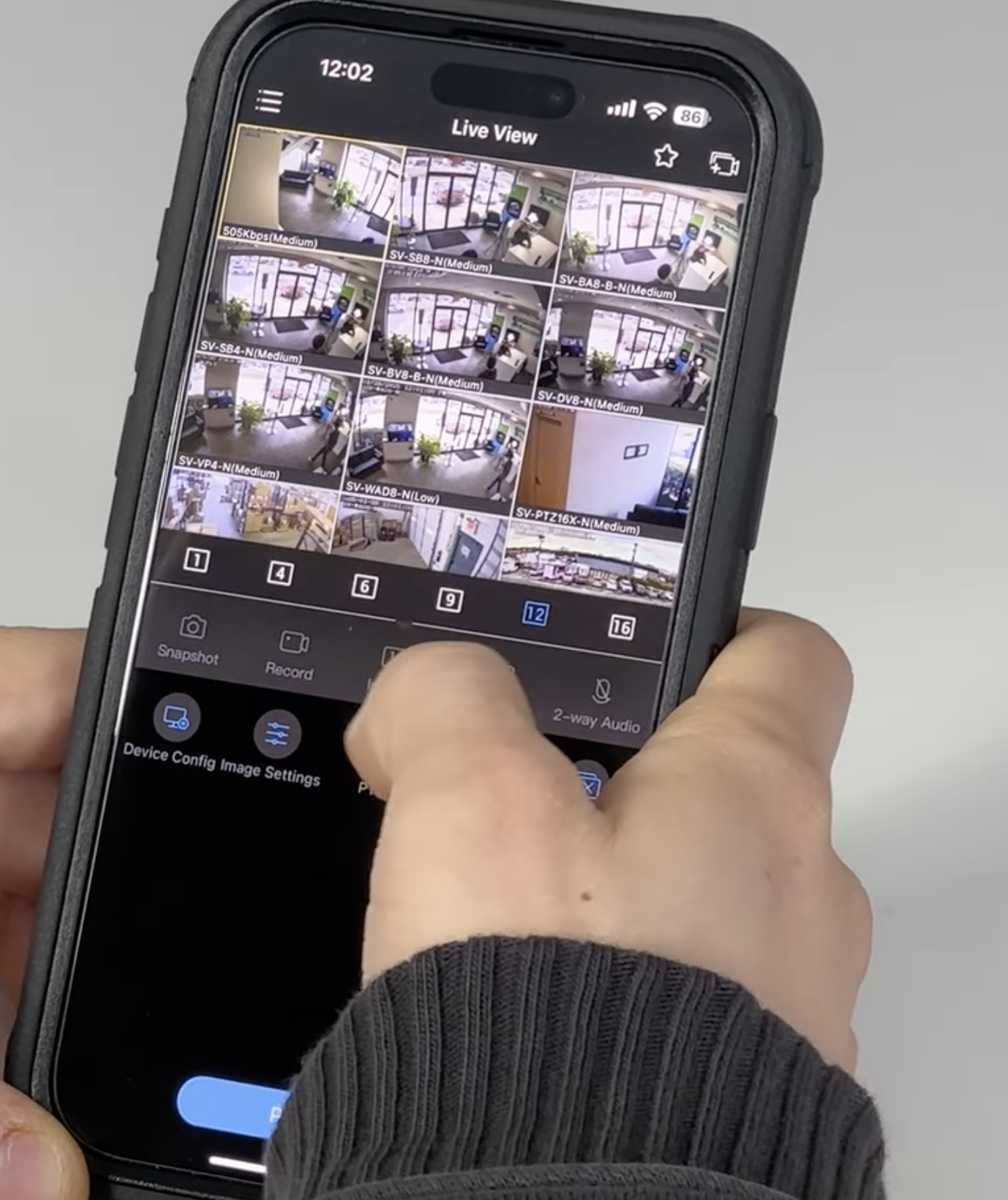
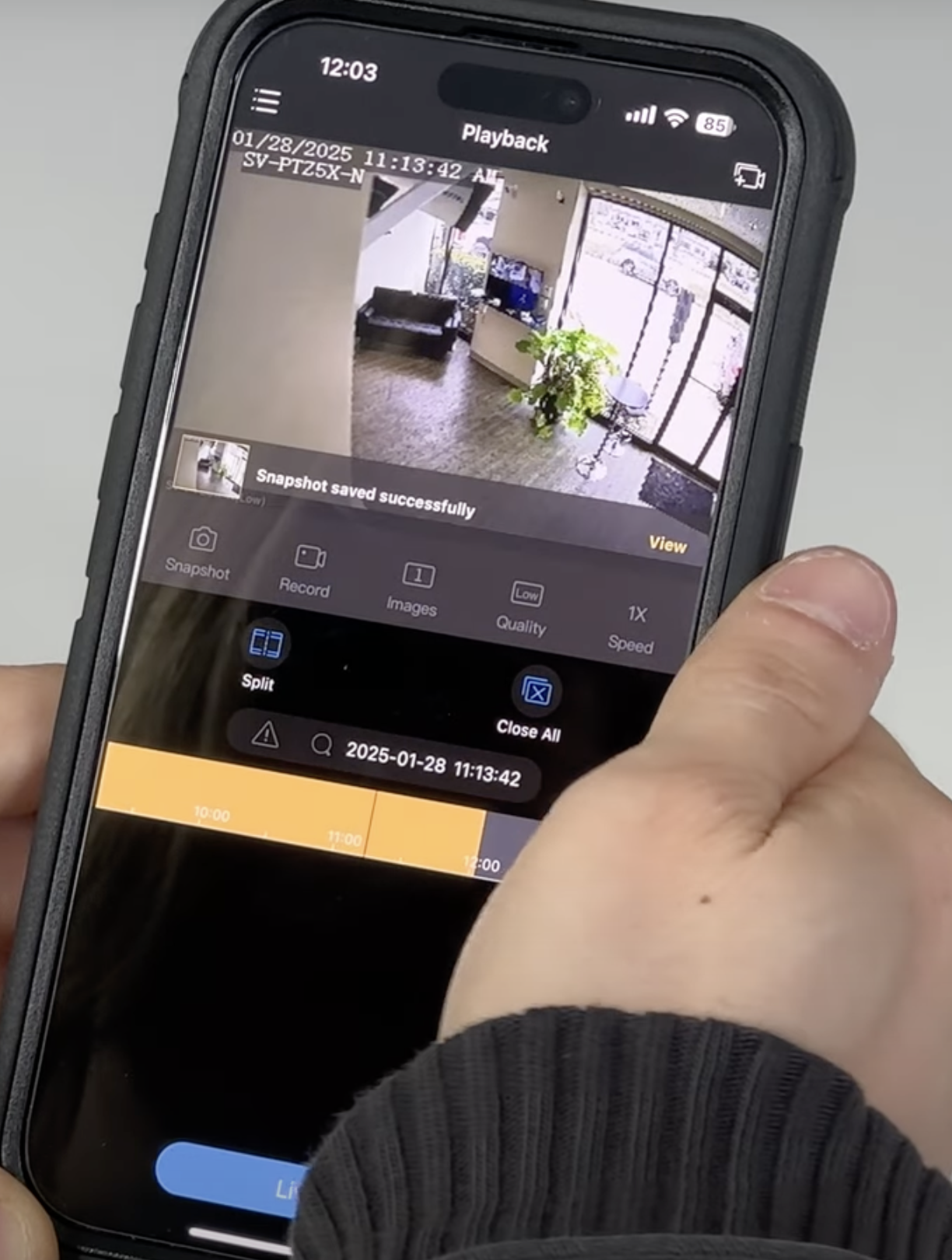
2. Review recorded video
3. Save clips and snapshots
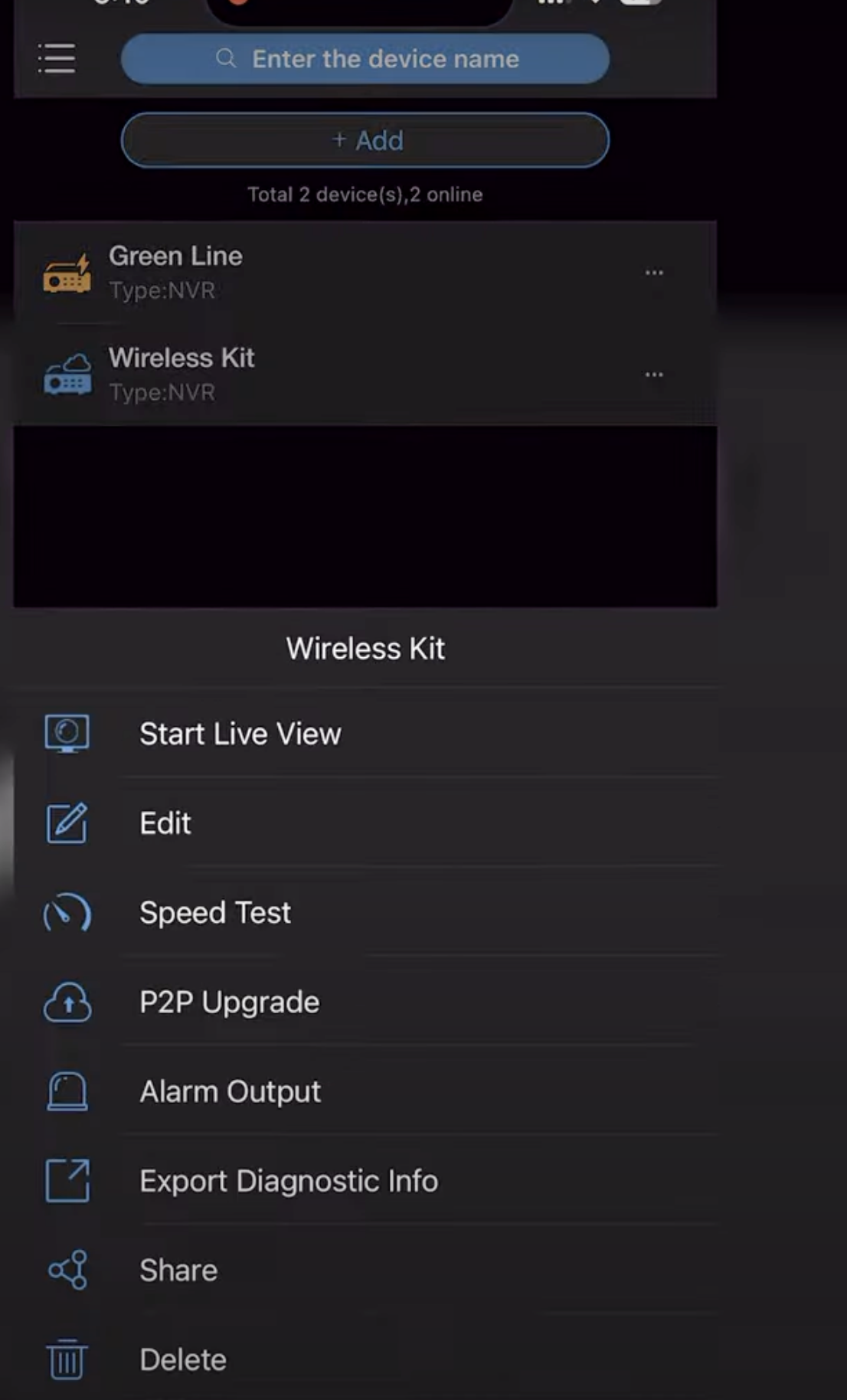
4. Watch multiple locations
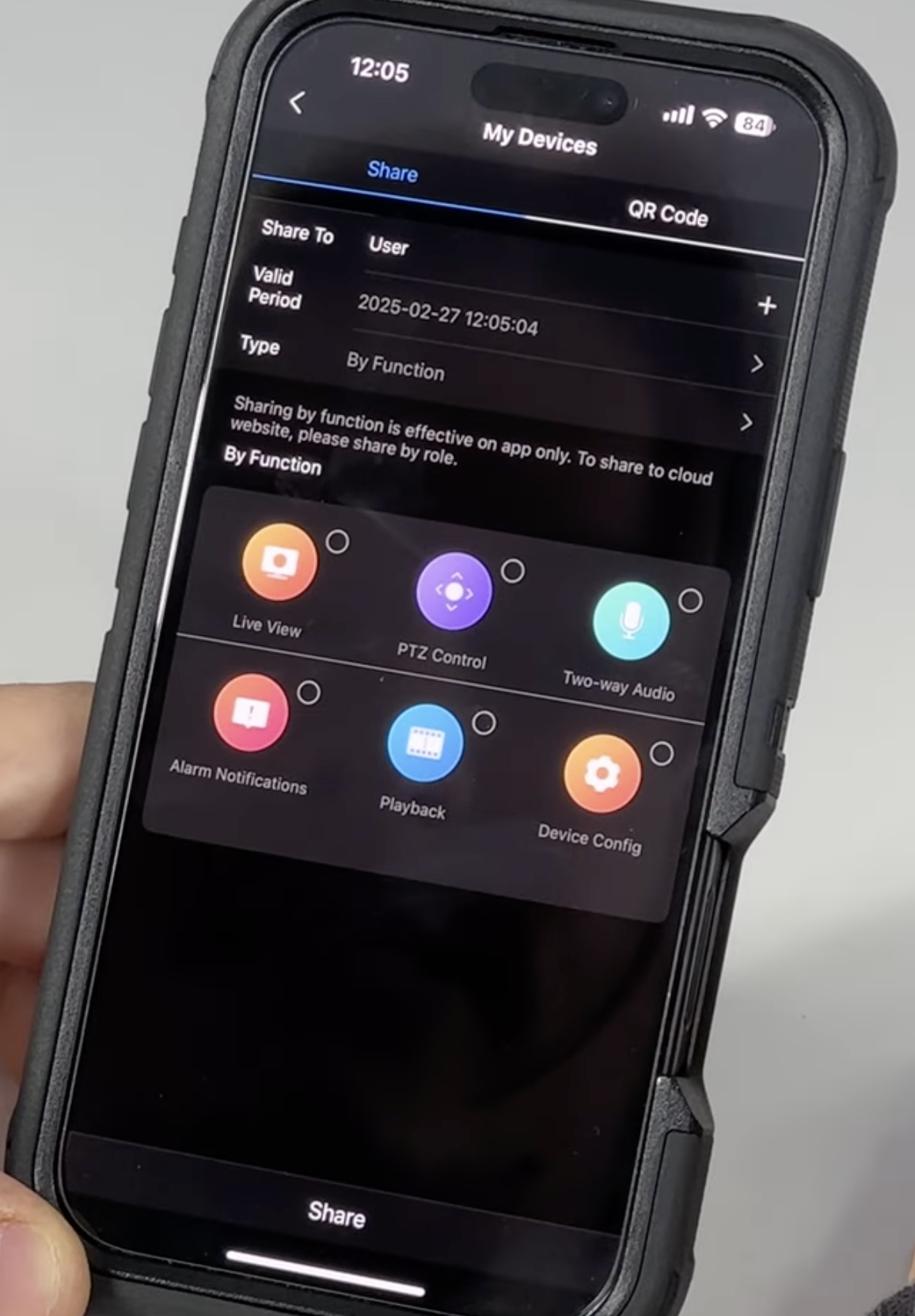
5. Share access on your terms
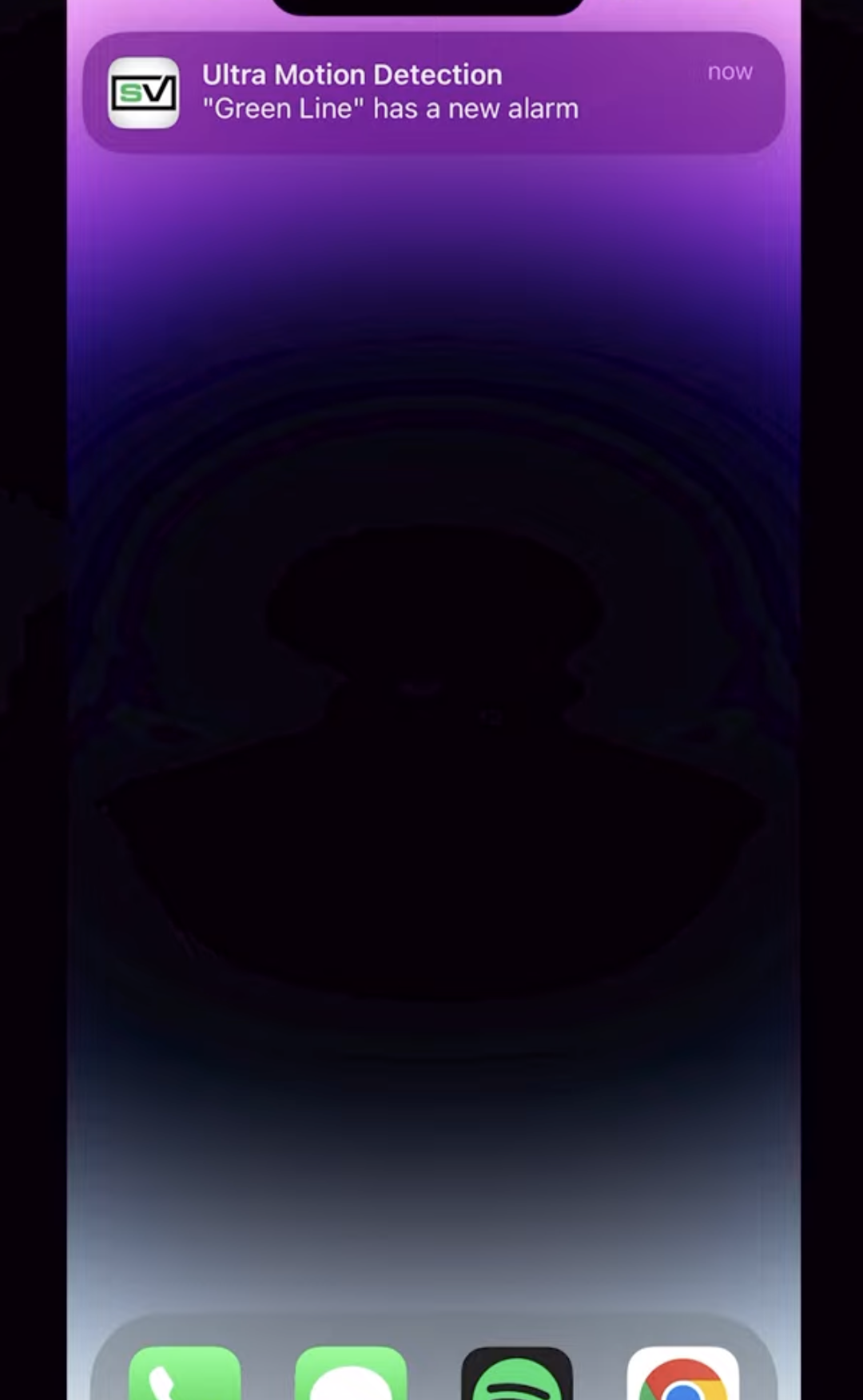
6. Set up motion alerts
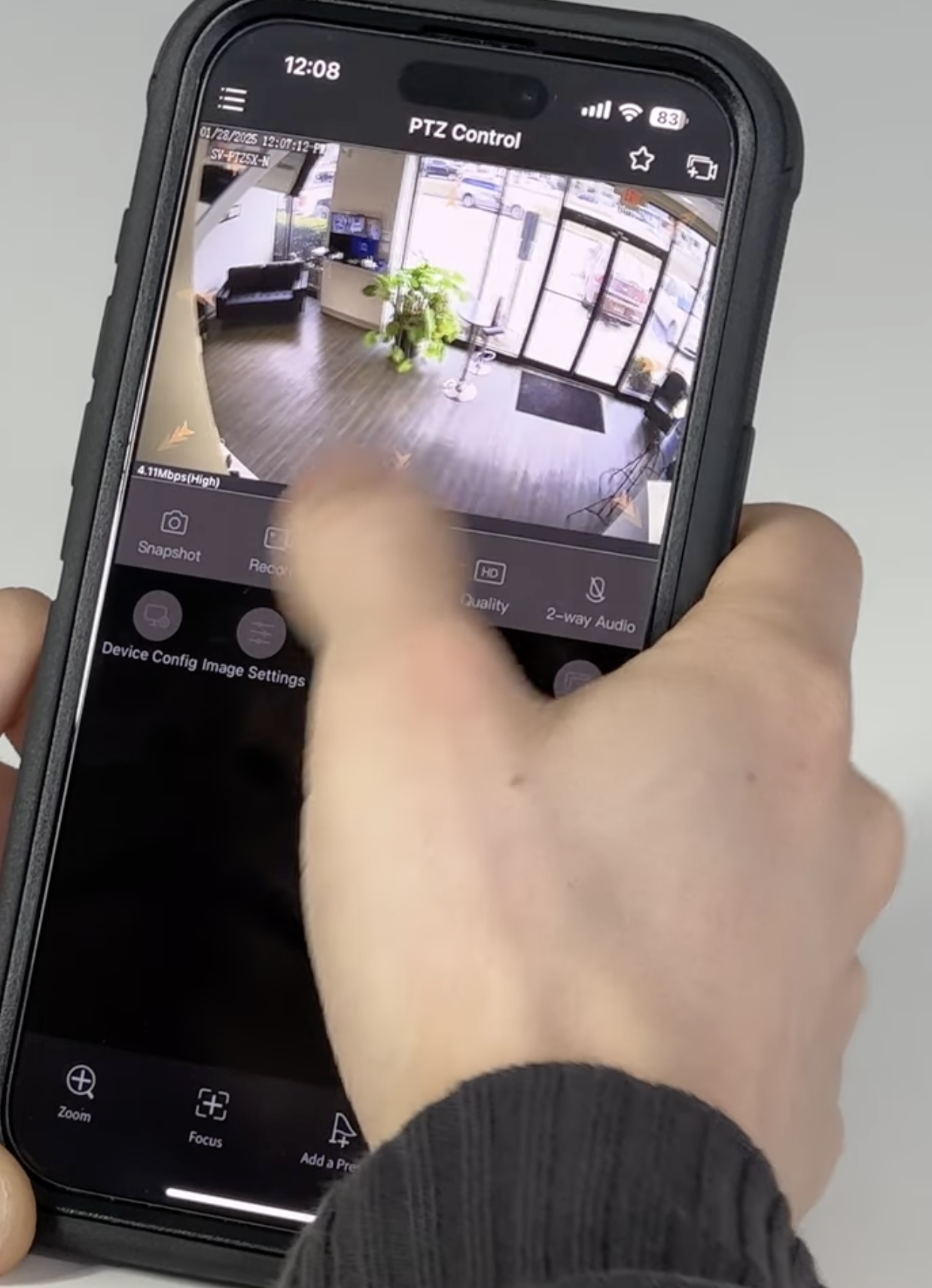
7. Control motorized zoom and PTZ cameras
8. Listen and talk through compatible cameras
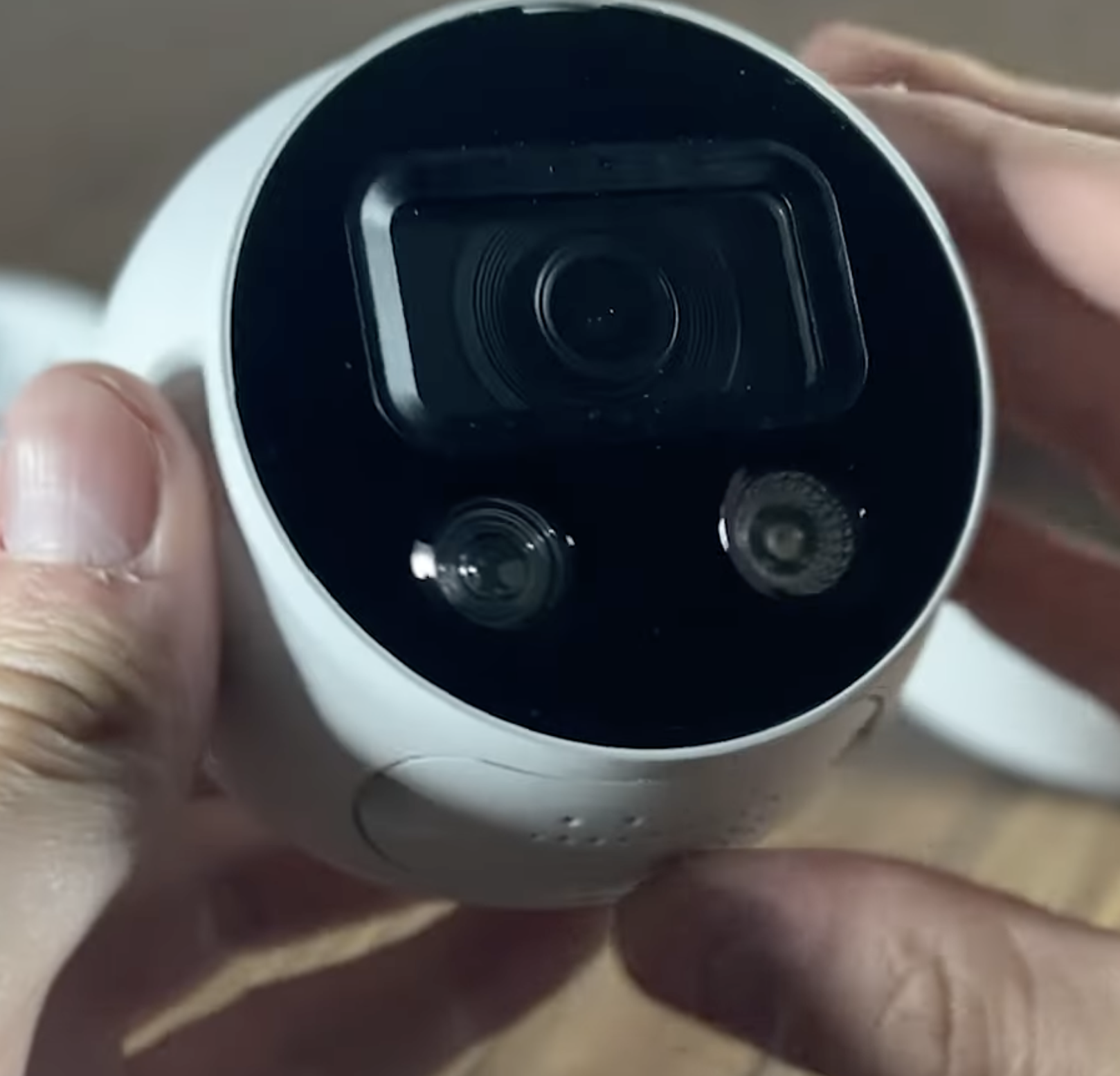
9. Use active-deterrence controls
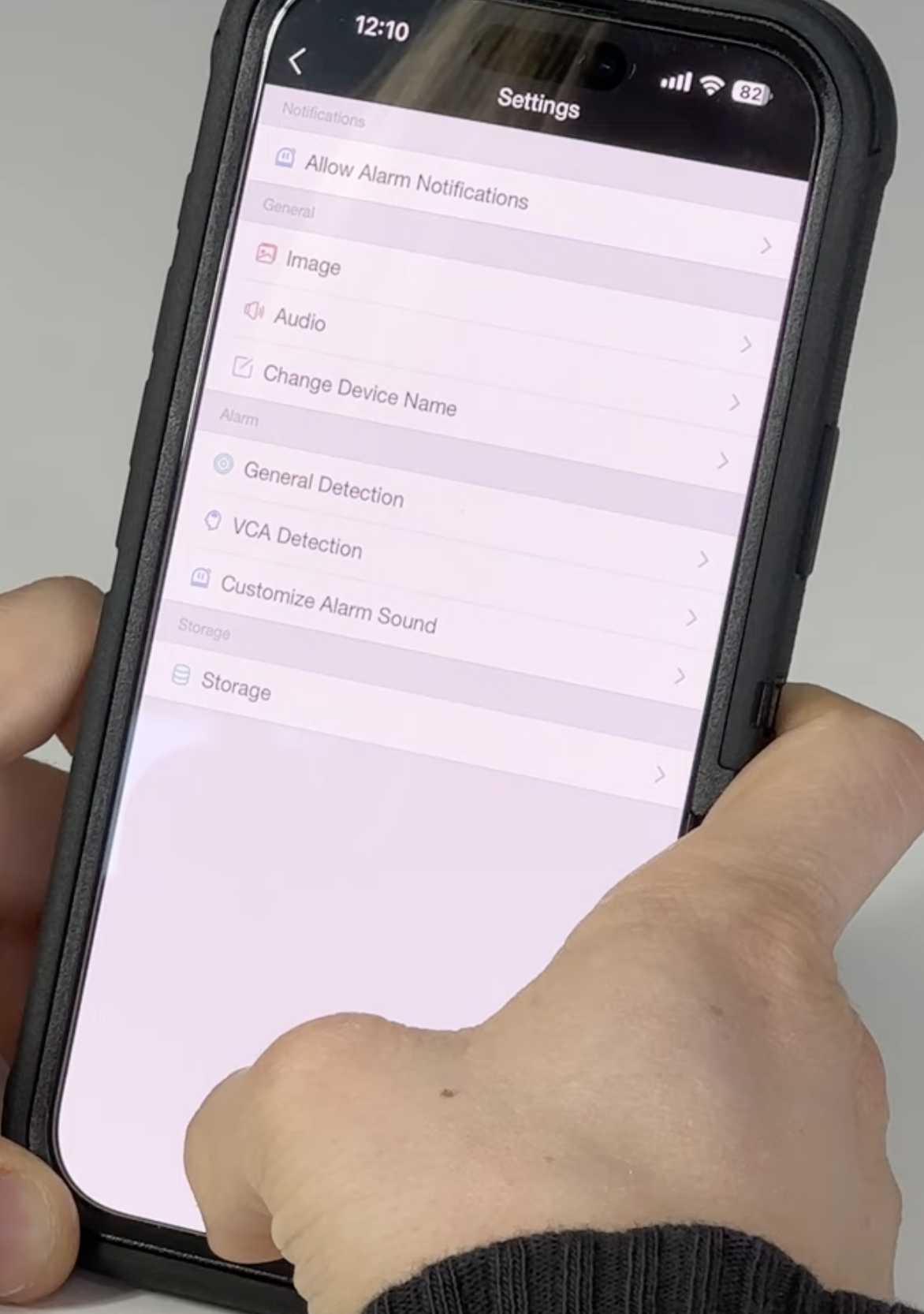
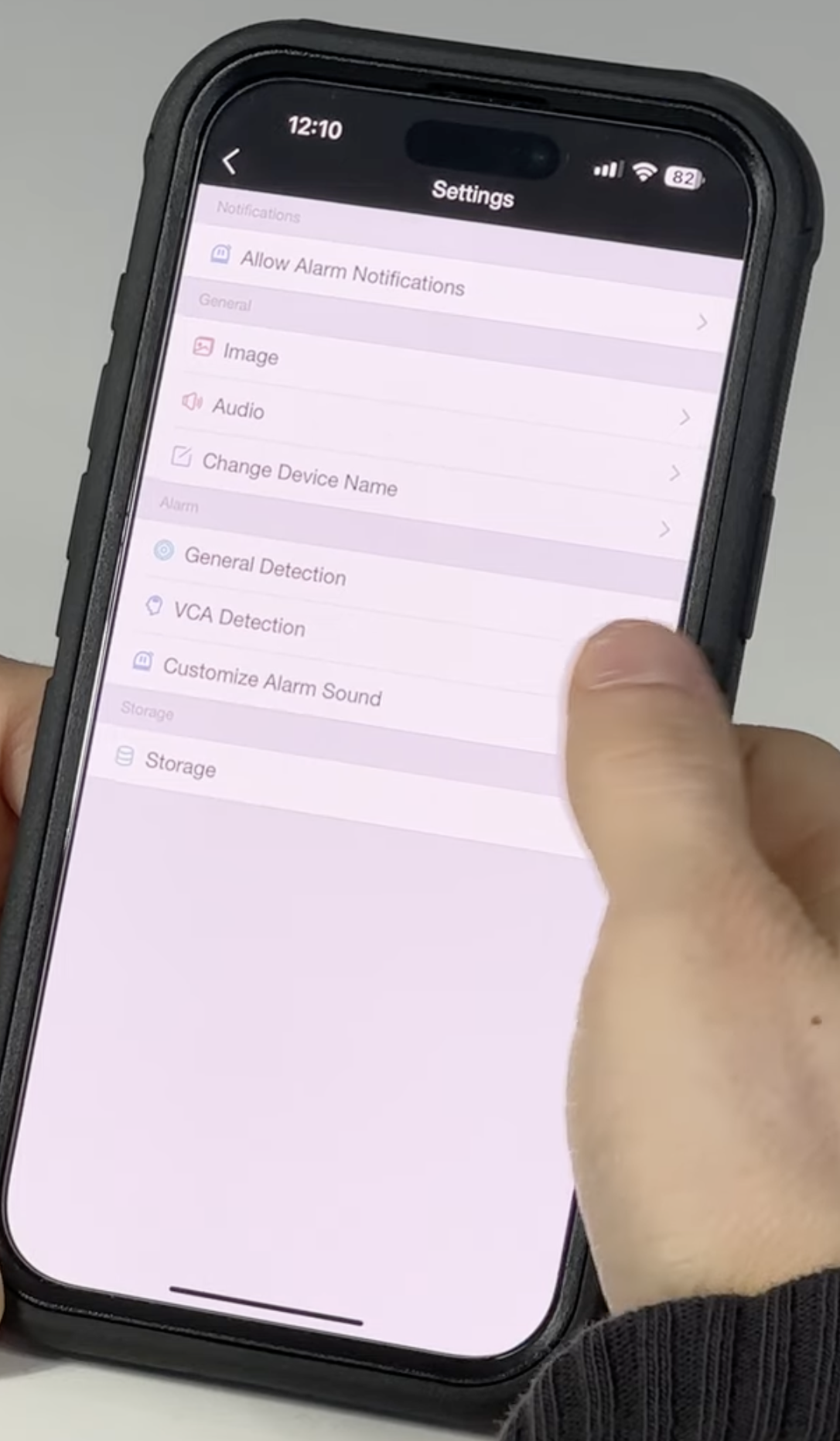
10. Fine-tune your camera settings
Where is your video recorded?
Want these controls in your next system?
