How Security Camera Systems Work (NVR + PoE Cameras) | 2026 Guide
Posted by Gregory Derouanna, MBA on Feb 24, 2026
How Security Camera Systems Work (NVR + PoE Cameras Explained)
Learn how professional security camera systems capture, record, and store video — and why PoE security cameras with an NVR are the most reliable option for homes and businesses.
1) The main parts of a security camera system
Most professional security camera systems are built from a few core components. When these are sized correctly, you get reliable 24/7 recording, fast playback, and easy remote viewing — without relying on monthly cloud subscriptions.
2) Why PoE security cameras are more reliable than Wi-Fi
PoE (Power over Ethernet) sends power and video through a single Ethernet cable. That’s why most commercial installs use wired PoE security cameras — especially where uptime and continuous recording matter.
- Fewer dropouts: no Wi-Fi congestion or interference.
- Cleaner installs: one cable per camera for power + data.
- Scales better: add cameras without rebuilding your wireless network.
- Best for 24/7 recording: stable throughput and consistent performance.
Want PoE-specific options? Shop IP / PoE security camera systems.
3) How an NVR records and stores video
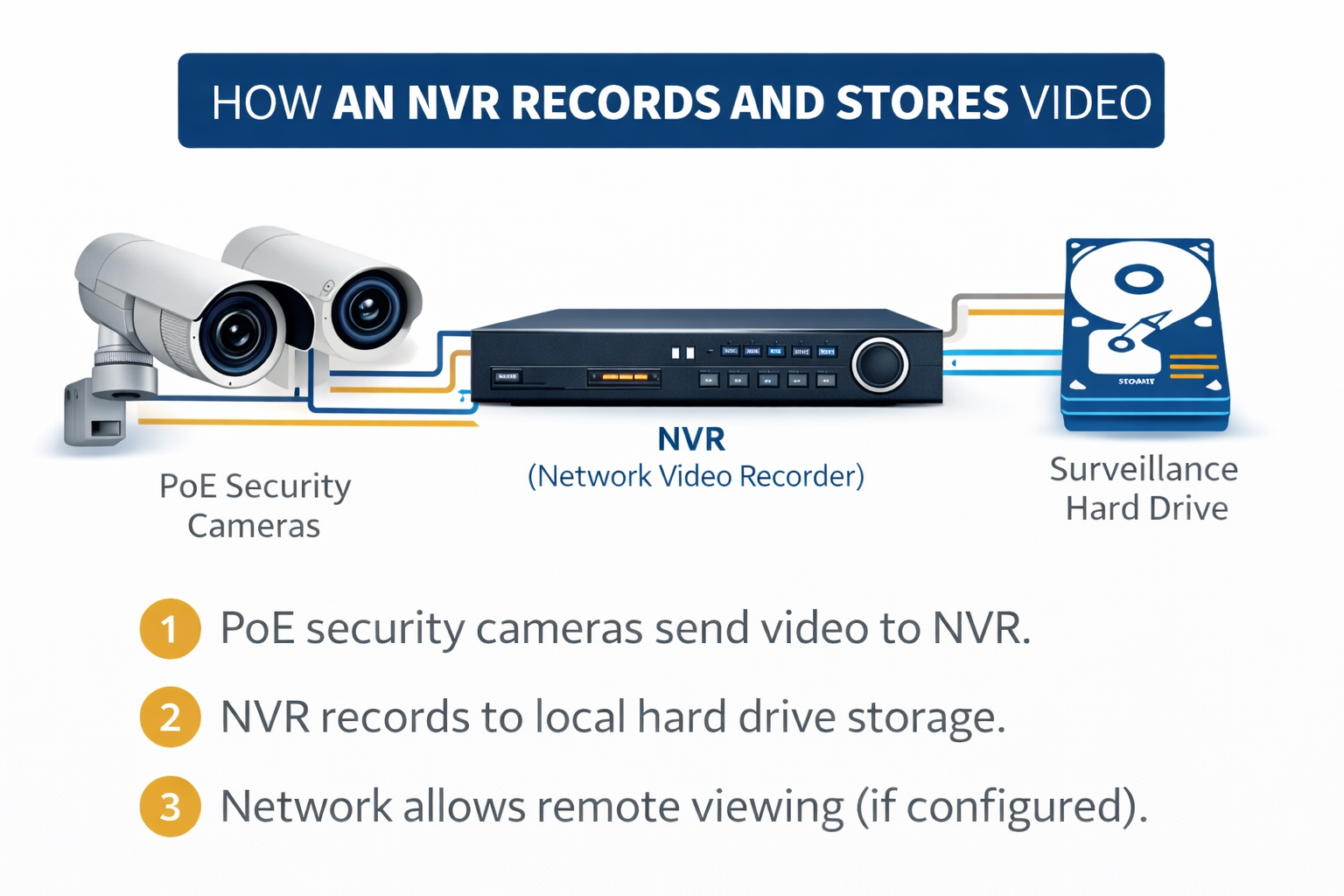
An NVR is the “brain” of modern IP security camera systems. Each camera sends a video stream to the NVR, and the NVR records that footage to a hard drive (typically 24/7, motion, or scheduled).
- Recording modes: continuous, motion-based, scheduled
- Playback: timelines, quick search, multi-camera playback
- User permissions: who can view/export/admin
- Remote viewing: secure app access when configured
4) Remote viewing: how you see your security cameras from anywhere
Professional systems record locally first. Internet is typically used for remote viewing — not for recording. That means your footage is still captured even if your internet goes down.
- Cameras send video to the NVR (wired PoE network).
- NVR records to local hard drive storage.
- Your phone app connects to the NVR securely for live view + playback.
5) Storage & retention: how many days of footage will you get?
Retention depends on camera count, resolution, frame rate, compression, and how much motion your scene has. Many businesses target 7–30 days depending on operational needs.
- More cameras → more storage needed
- Higher resolution / FPS → more storage needed
- More motion → more storage used
Camera Count Calculator: How many security cameras do I need?
Use this quick estimator to get a smart starting range. (If you want a precise plan, call us — we’ll size your coverage and storage.)
Explore more expert advice in our Security Camera Learning Center. You can also browse professional security cameras and complete security camera systems to compare the right equipment for your property.
Ready to move from research to the right equipment? Browse professional security cameras, complete security camera systems, and SureVision NVRs for reliable local recording with no monthly fees.
FAQ: Security Cameras & Security Camera Systems
Do security camera systems need internet to record?
What’s the difference between an NVR and a DVR?
Is PoE better than Wi-Fi for security cameras?
How many security cameras do I need?
Do security cameras require monthly fees?