
Best Security Cameras for Business
Posted by Gregory Derouanna, MBA on Mar 17, 2026
Best Security Cameras for Business
The best security cameras for a business are the cameras that capture the right detail at the right locations and record it reliably. Resolution matters, but so do camera placement, lens choice, nighttime performance, recorder capacity, storage and the ability to retrieve footage quickly when an incident occurs.
This guide explains how to choose professional security cameras for retail stores, offices, warehouses, restaurants and other commercial properties, and how to combine them into dependable business security camera systems.
Quick Recommendation for Most Businesses
For many commercial properties, a wired IP / PoE camera system with local NVR recording is a strong starting point. Use a mix of fixed cameras for entrances and everyday coverage, specialized cameras where distance or identification matters, and an NVR sized for your camera count, recording requirements and future expansion. HD-over-coax CCTV remains a practical alternative when a property already has suitable coaxial wiring.
What Makes a Security Camera Good for Business?
A commercial camera should be selected for a specific surveillance job. An entrance camera may need useful facial detail. A warehouse aisle may need a narrower view at distance. A parking lot may require strong low-light performance or a PTZ camera for active monitoring. A register camera needs a view that clearly documents the transaction area.
Choose resolution, lens and mounting distance around what you need to identify.
Local NVR or DVR recording gives the business direct control over its footage.
Exterior cameras should be evaluated under the lighting conditions they will actually face.
Leave recorder capacity for cameras the business may need later.
For most business-critical locations, wired cameras are usually the stronger choice for ongoing surveillance because they do not depend on Wi-Fi coverage at every camera location. Wireless cameras can still be useful where running cable is impractical.
Best Security Cameras by Business Type
Retail Stores
Retail surveillance should prioritize entrances, registers, high-value merchandise, stockrooms and employee-only access points. A dedicated entrance view is often more useful than asking one wide camera to cover the entire front of the store.
Offices
Office systems commonly focus on reception, entrances, hallways, parking areas, server rooms and other controlled-access locations. Cameras should document movement through shared areas without being placed where privacy is reasonably expected.
Warehouses & Distribution Facilities
Warehouses require coverage across larger distances and changing lighting conditions. Loading docks, shipping and receiving, exterior yards, inventory aisles and employee entrances are common priorities. For a deeper warehouse-specific plan, see our best security cameras for warehouses guide.
Restaurants
Restaurants may need cameras at customer entrances, registers, delivery doors, storage areas, parking areas and selected operational zones. Camera placement should avoid private areas and should account for challenging backlighting around exterior doors.
Small Businesses
A smaller property may only need a few carefully selected views. Prioritize the front entrance, rear or employee entrance, transaction area and exterior approach before adding general overview cameras. See our small-business security camera guide for more detail.
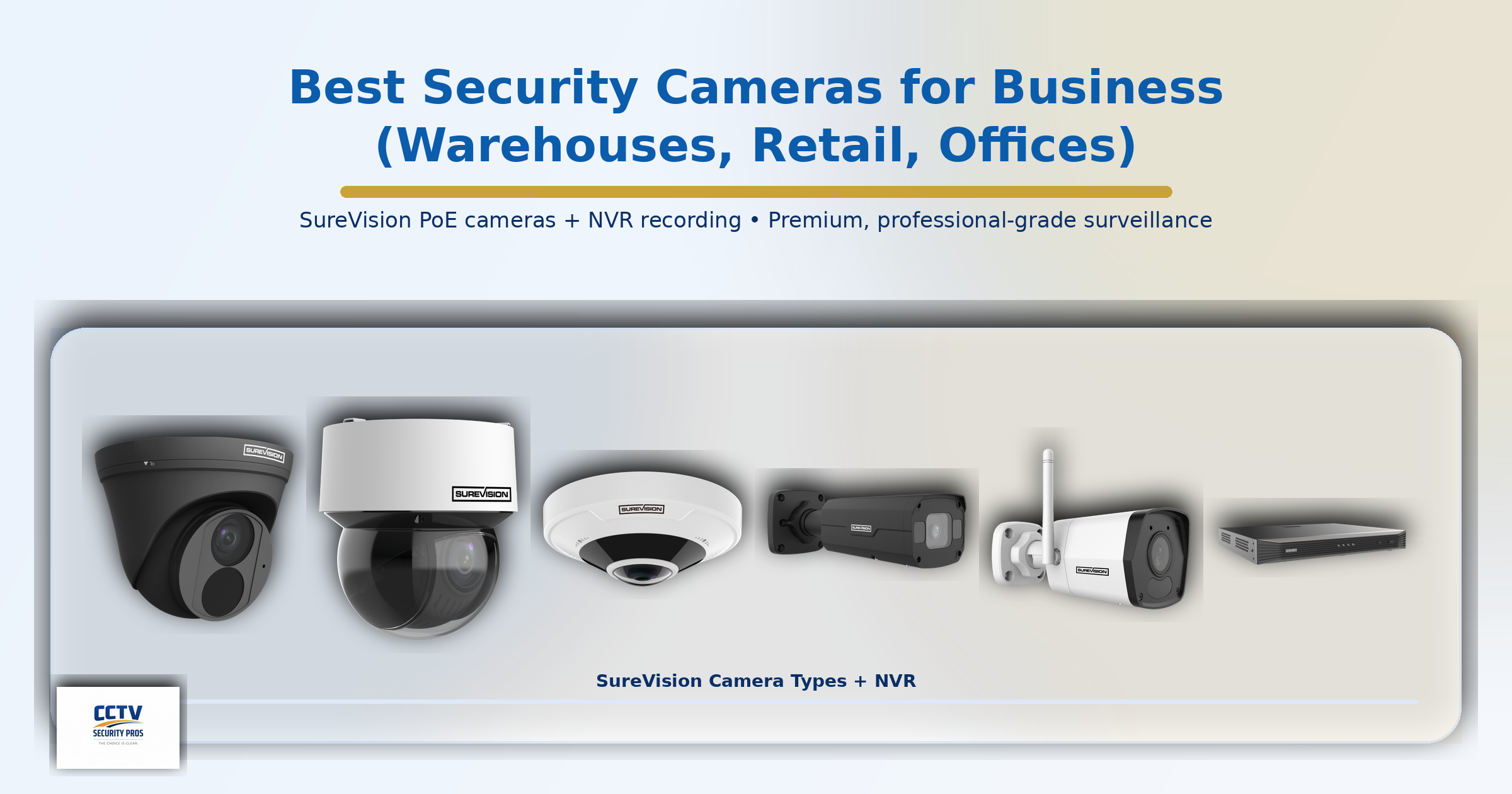
Best Types of Security Cameras for Business
Bullet Cameras
A visible directional design well suited to parking lots, building exteriors, driveways, loading docks and perimeter views.
Dome & Turret Cameras
Compact cameras frequently used in retail stores, offices, entrances and other finished interior or exterior locations.
PTZ Cameras
Useful when an operator needs pan, tilt and optical zoom capability across a larger scene.
View PTZ CamerasLPR Cameras
Specialized cameras intended for license-plate capture at controlled entrances, lanes and gates.
View LPR CamerasBusinesses can mix camera types within a compatible system. That is usually better than trying to make one camera design serve every location.
4MP vs. 4K Business Security Cameras
Higher resolution can provide more image detail, but megapixels are only one part of image quality. A well-positioned 4MP camera with the correct field of view can be more useful than a poorly positioned 4K camera that is trying to cover too much area.
4K cameras are particularly useful where added detail matters, while 4MP cameras can provide an excellent balance for general commercial surveillance. Also consider storage: higher-resolution cameras can require more recording capacity depending on compression, frame rate and scene activity.
Outdoor Cameras, Night Vision & Difficult Lighting
Outdoor business cameras should be selected around weather exposure, nighttime lighting, viewing distance and the amount of detail required. Depending on the model, professional cameras may use infrared illumination, low-light processing or white-light/color-night technologies.
Wide Dynamic Range can also be important at entrances, loading doors and other locations where bright exterior light and darker interior areas appear in the same scene.
For exterior planning, see our best outdoor security cameras for business guide.
Smart Detection, Audio & Remote Viewing
Compatible cameras and recorders may support human/vehicle detection, perimeter rules and other intelligent event features. These tools can make recorded footage easier to manage, but exact analytics vary by model and configuration.
Select cameras also include microphones or other audio features. Audio-recording laws vary, so businesses should verify applicable consent and privacy requirements before enabling audio.
Remote viewing can give authorized owners and managers access to live or recorded video from compatible phones and computers while the NVR continues recording locally.
Choosing the Right NVR & Video Storage
The NVR is central to a professional IP camera system. It receives and records camera video, manages playback and user access, and can provide PoE connectivity depending on the model.
Do not select an NVR only by channel count. Consider camera resolution, bandwidth, storage capacity, drive bays, PoE requirements, number of users and future expansion. Browse SureVision NVR recorders or compare all security camera recorders.
Local recording lets a business retain footage on its own recorder without a required monthly cloud-storage subscription. Actual retention time depends on camera count, resolution, frame rate, compression, recording schedule, activity and installed storage.
How Many Security Cameras Does a Business Need?
There is no universal camera count based only on square footage. Count the views that need to be protected: entrances, exits, registers, parking areas, loading docks, inventory zones, hallways and exterior approaches.
Small properties may need only a few cameras, while large commercial or industrial facilities can require dozens. The recorder should have enough capacity for both the initial design and reasonable future expansion.
Business Security Camera Buying Checklist
- Map the risk areas before choosing camera count.
- Define each camera's job: overview, identification, transaction, perimeter or plate capture.
- Check daytime and nighttime lighting.
- Choose wired IP / PoE or HD over coax based on the property and existing infrastructure.
- Size the recorder for growth instead of filling every channel immediately.
- Plan storage around retention requirements.
- Verify camera/NVR feature compatibility.
- Test playback and video export before an incident makes them urgent.
Why CCTV Security Pros for Business Surveillance?
CCTV Security Pros has supplied professional surveillance equipment since 2008 and has served more than 75,000 customers. Businesses can build systems around their actual coverage requirements instead of being limited to one camera style throughout the property.
Coverage on eligible professional equipment.
Help with product selection, setup and system use.
NVR-based storage without required monthly cloud-storage fees.
Mix compatible camera styles around different business locations.
Business Security Camera FAQ
Related Business Security Guides
Best Outdoor Security Cameras for Business
Best Wired Security Cameras for Commercial Use
Build the Right Security Camera System for Your Business
Choose professional cameras, local recording and a recorder sized around your property. CCTV Security Pros can help you compare camera styles and system sizes for your business.
Shop Security Cameras Shop Security Camera Systems Get a Free Quote