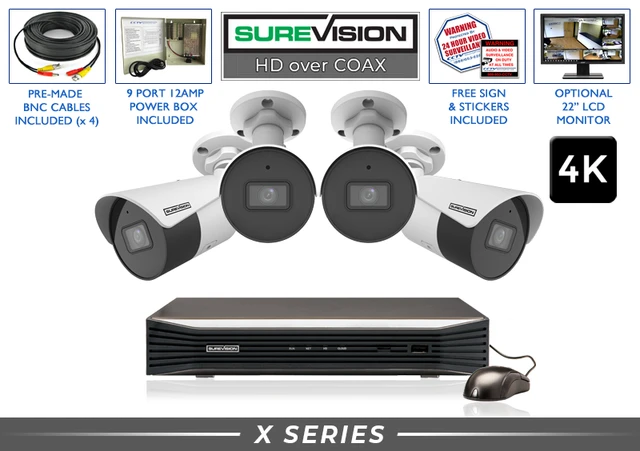
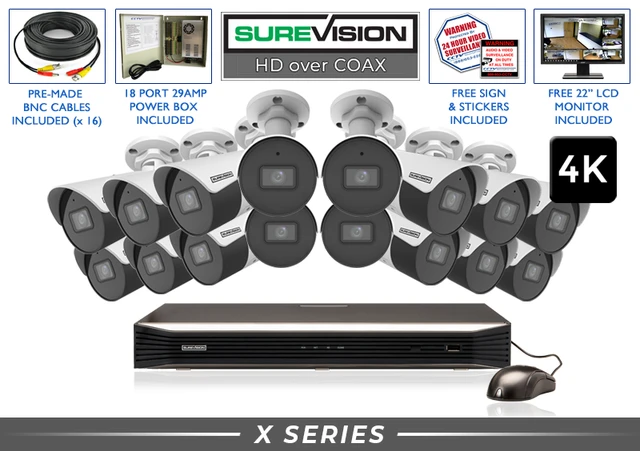
LEARN. CHOOSE. TAKE CONTROL. Build a matched system around the camera views your property needs. A complete HD-over-coax system brings cameras, a compatible DVR, local storage, cabling and power equipment together. Use a camera plan to choose the right package and identify any installation-specific accessories. Start with entrances, approach paths and important activity areas. Add views for blind spots or a separate area when the property needs them. Camera count follows the number of useful views, rather than a universal square-footage rule. A wide overview helps you follow movement. A closer view can provide more useful detail at a doorway or counter. Walk the property with those two jobs in mind before choosing a kit. List the scene, subject distance, mounting point and lighting for each view. Plan around parked vehicles, shelving and other obstructions. Match the lens and housing to each job. Confirm the camera format, resolution and desired audio functions with the DVR. Choose enough supported inputs for today’s cameras and planned additions. Leave capacity for a reason, such as a future entrance or storage area. Decide how far back you need to review. Camera count, recording quality, activity and schedule all affect retention. Measure actual routes and confirm the power arrangement. Where existing coax will be reused, check and test it before the full installation. Choose who needs live views, playback and exports. Plan the monitor connection, internet access for remote viewing and suitable user permissions. These SureVision 4K bullet-camera kits pair cameras with a compatible DVR, local storage, camera cables and power equipment. Review the current package options and tell us which existing cables you plan to reuse. The DVR stores footage, displays camera views and provides supported playback and export functions. Choose continuous, scheduled or event recording around the history you need, then verify the settings on every camera channel. Local recording can operate without internet when the system has power, working connections and storage. Connect for supported remote viewing when you want access away from the property. Label each cable and give every camera a clear name. Protect outdoor connections and choose mounts suited to the surface. Keep the recorder in a dry, ventilated location with suitable power and access for maintenance. After installation, test the views, nighttime picture, recording history and app access. Export a sample clip so you know how to save useful video when an incident needs review. Suitable existing coax can make an HD-over-coax upgrade practical. For new wiring, compare a PoE IP system and its camera, networking and expansion options. Tell our team what is already installed and what you want to add. We can help you compare both paths, including camera views, recording capacity and the work involved. Channel capacity and included camera count are separate. Check the selected package and its options. Retention depends on the camera count and recording settings. Estimate storage before ordering and verify actual history after installation. The DVR must support the total camera count, video format, resolution and planned recording workload. Confirm spare inputs and suitable power. A rough property layout, desired views, camera distances, existing wiring information and the number of days you want to retain. These PoE IP systems use Ethernet cameras and an NVR. For coax equipment, use the CCTV camera and DVR links above. Tell us what you need to see and how long you want to keep recordings. Our U.S. team will help match your cameras, recorder, storage and installation plan.CCTV Camera Systems: Plan Cameras, Recording and Storage
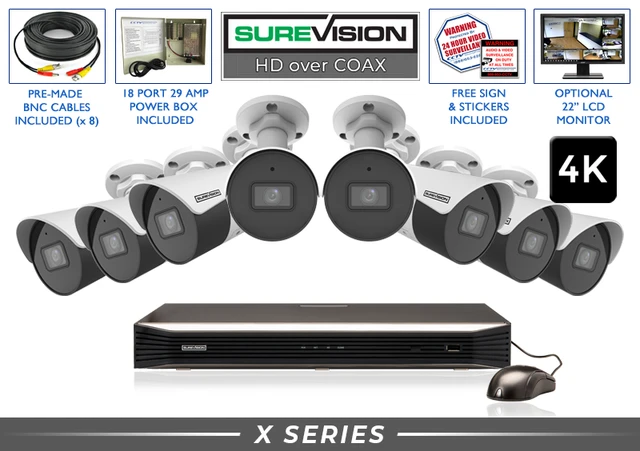
Size the system by useful views
Put the equipment list together
1. Camera locations
2. Camera models
3. DVR channels
4. Recording storage
5. Cables and power
6. Viewing and operation
Compare complete HD-over-coax upgrade kits
Understand what the recorder does
Make installation easier to maintain
Upgrade existing coax or plan new Ethernet?
Questions, answered
Does an eight-channel DVR mean eight cameras are included?
How long will the included drive keep recordings?
Can I add cameras later?
What should I share for a system quote?
Considering new Ethernet wiring? Explore IP systems
Stay Secure with SureVision
✓ Professional equipment✓ 3-year warranty✓ Unlimited U.S. support✓ No required monthly viewing fees