
Security DVRs: 2026 Professional Comparison Guide
Posted by Gregory Derouanna, MBA on Jul 27, 2026
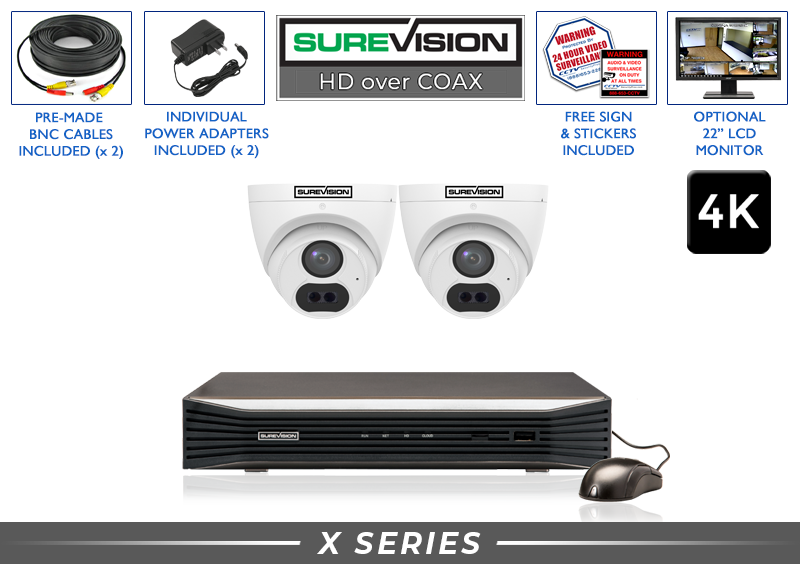
What Are Digital Video Recorders for Security—and Why Do They Matter?
A digital video recorder, or DVR, is the command center of a compatible coax-based surveillance system. It receives video signals from connected CCTV cameras, converts and compresses those signals, stores footage on an internal hard drive and provides the tools used for live viewing, playback, searching and video export.
For decades, closed-circuit television (CCTV) systems relied on VCRs and magnetic tapes that had to be changed and reviewed manually. Modern digital video recorders for security replaced that cumbersome process with searchable local storage. Instead of scanning hours of tape, users can navigate a timeline, search recorded events and export important evidence to a USB drive or computer.
Modern professional DVRs also give owners something many cloud-only products do not: direct control over their recording hardware and footage. With a properly designed local system, recording does not require a monthly cloud-storage plan. The recorder can continue saving footage locally if the internet connection is interrupted; internet service is needed only for features such as off-site remote viewing and alerts.
The practical advantage: if your property already has usable coaxial cable and BNC connections, a compatible new DVR and modern HD or 4K CCTV cameras may improve your system without requiring every cable run to be replaced.
The Role of Local Storage in 2026
Local storage keeps recorded footage on a surveillance hard drive inside the DVR. That gives the system owner direct control of retention, playback and evidence export. Recording capacity depends on the hard-drive size, number of cameras, resolution, frame rate, compression settings and whether the system records continuously or only when activity is detected.
There is no universal promise that a certain drive will always retain a fixed number of days. A quiet four-camera property using motion recording may retain far more history than a busy business recording continuously at 4K. Use the Security NVR & DVR Hard Drive Calculator to estimate storage for your camera count and recording plan.
Commercial vs. Consumer-Grade Hardware
A professional recorder is intended to operate continuously as a dedicated security appliance. Quality models use durable enclosures, surveillance-grade hard drives, appropriate cooling and components selected for long-term recording. The greatest difference, however, is often what happens after the sale: compatibility guidance, setup help and knowledgeable support matter when cameras, cable formats, storage and network access must all work together.
DVR vs. NVR: Comparing the Two Main Security Recorders
Choosing between a DVR and an NVR is not simply a choice between two boxes. It determines the camera technology and cabling architecture of the entire surveillance system. DVRs generally record compatible HD-over-coax or analog CCTV cameras. NVRs record network-based IP cameras, including PoE cameras powered through Ethernet cable.
| Feature | DVR | NVR | Hybrid XVR |
|---|---|---|---|
| Camera Type | Compatible CCTV and HD-over-coax cameras | IP and PoE security cameras | Multiple compatible coax formats plus supported IP cameras |
| Primary Cable | Coax or Siamese cable with BNC video connection | Cat5e or Cat6 Ethernet | Coax for CCTV cameras; Ethernet network for IP channels |
| Power | Typically separate 12V camera power | Often supplied through PoE on the same Ethernet cable | Depends on the connected camera type |
| Best Fit | Existing coax wiring or straightforward CCTV upgrades | Most new wired installations and advanced IP features | Phased upgrades or mixed compatible technology |
| Resolution Options | Modern models can support 1080p, 2K and 4K CCTV formats | Supports high-resolution network cameras, including 4K | Varies by recorder, signal type and channel configuration |
Digital Video Recorders for HD-Over-Coax Cameras
DVRs remain a practical choice for owners who want to preserve compatible coaxial infrastructure. If a facility already has good cable running to useful camera locations, upgrading the recorder and cameras may avoid the labor of installing a completely new network-cable system. Setup is straightforward: the camera video connects to a BNC input on the DVR, while the camera receives compatible power.
Network Video Recorders for IP and PoE Cameras
NVR systems use network cameras that encode video before sending it to the recorder. PoE makes installation cleaner by carrying video, data and power over one Ethernet cable. NVRs are typically the preferred platform for new wired installations that need advanced IP-camera features, easy expansion and high-resolution recording. You can compare both technologies on the Security Camera Recorders page or shop SureVision NVR recorders.
The Hybrid Advantage: Understanding XVR Technology
An XVR is a versatile type of DVR designed to accept several compatible security-camera signal formats. Depending on the model, that may include traditional analog/CVBS, TVI, CVI, AHD and a limited number of IP camera channels. This flexibility makes an XVR especially useful for a property moving from older analog cameras to newer high-definition equipment.
The main advantage is a phased upgrade. Instead of replacing every camera and cable at once, an owner may replace the recorder first, retain compatible existing cameras and then upgrade individual camera locations as the budget and coverage plan allow. Compatibility still must be checked carefully: a BNC connector alone does not guarantee that a camera and recorder will communicate.
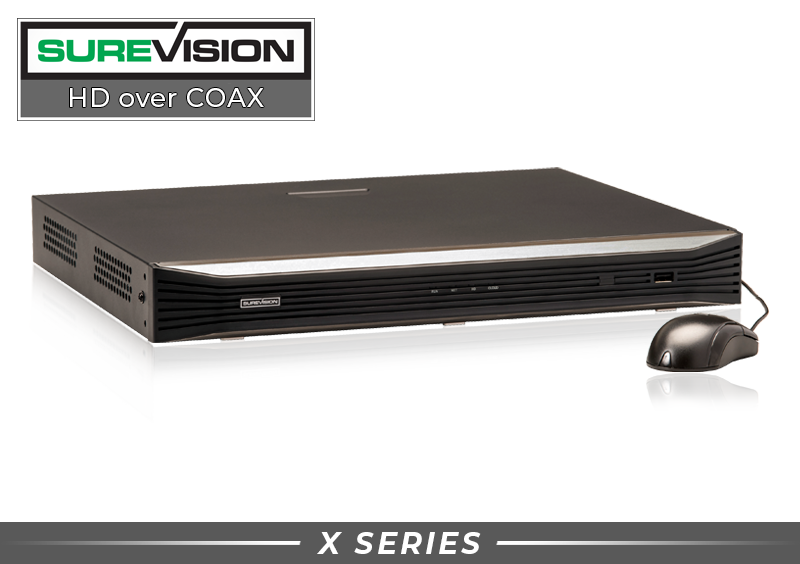
Future-Proof Without Replacing Everything at Once
A hybrid recorder can help preserve useful infrastructure while providing a path toward clearer cameras and newer recording features. Before ordering, confirm the existing camera format, resolution, cable condition, power requirements and the exact number of supported coax and IP channels.
Compare SureVision CCTV DVRs →Key Features in a Professional Security Recorder
Resolution matters, but it is only one part of choosing a dependable recorder. Channel capacity, camera compatibility, storage, compression, playback tools and remote access determine how useful the system will be every day—and how easily it can grow later.
Storage and Hard-Drive Reliability
A security recorder writes video hour after hour, so it should use a surveillance-grade hard drive designed for continuous recording workloads. Larger drives provide longer retention, while motion-based recording can extend storage when there is limited activity. Recorders with multiple hard-drive bays can offer greater total capacity; they provide redundancy only when the recorder specifically supports and is configured for an appropriate RAID mode.
User Interface and Ease of Use
The recorder should be manageable by the people who will actually use it. Look for a clear timeline, useful event filters, straightforward camera layouts and simple export options. During an incident, the ability to find and save evidence quickly matters more than an impressive feature list that is difficult to navigate.

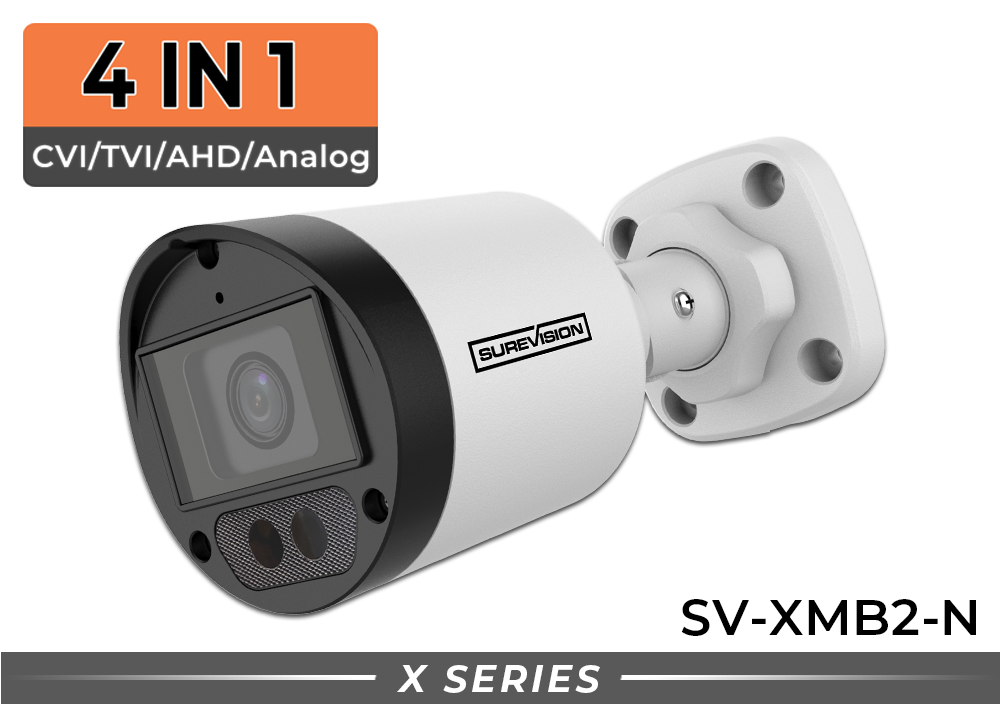
Shop Complete CCTV Systems by Camera Count
Complete systems simplify compatibility by matching the cameras, recorder and storage. Choose a system size that covers every entrance and important approach path, while leaving room for likely expansion.
How to Choose the Right DVR or Security Recorder
Before buying a replacement recorder or a new system, verify the entire signal path. The correct choice should work with your cameras and cable today while providing enough capacity for the system you expect to have tomorrow.
Replacing an older recorder? Record the existing DVR model, camera models, camera count, video resolution and cable type before ordering. CCTV Security Pros can help determine whether you need only a recorder, new compatible cameras, additional storage or a complete system.
Why Professional-Grade Hardware Is the Smarter Choice
A security recorder protects more than the cost of the hardware. It protects access to the video that may be needed after theft, vandalism, a workplace incident or an insurance claim. A low initial price has little value if the recorder is unreliable, difficult to use or incompatible with the cameras already installed.
Professional hardware is built for continuous recording and long-term ownership. A properly matched system provides private local storage, dependable playback, remote viewing tools and room to expand without forcing the owner into a required monthly recording subscription.
CCTV Security Pros has served more than 75,000 customers since 2008. Professional systems are supported by a 3-year warranty, a 30-day money-back guarantee and lifetime USA-based support. More importantly, real specialists can help match cameras, recorders, storage and coverage before and after the purchase.
- Confirm support for your existing and future camera resolution.
- Verify camera signal, cabling, BNC connectors and power requirements.
- Select H.265-capable equipment when efficient storage is important.
- Choose enough channels and hard-drive space for expected expansion.
- Make sure remote viewing and local recording do not require a monthly fee.
- Buy from a company that provides expert compatibility and setup support.
Security DVR Frequently Asked Questions
Can I use any DVR with any security camera?
No. Compatibility depends on camera technology, signal format, resolution and recorder support. A BNC connector by itself does not guarantee compatibility. Confirm whether the camera uses analog/CVBS, TVI, CVI or AHD and verify that the DVR supports its exact format and resolution.
How many days of video can a security DVR record?
Retention varies with hard-drive size, number of cameras, resolution, frame rate, compression and recording schedule. Motion recording can often retain more history than continuous recording, but results depend on how much activity occurs. Use a storage calculator rather than relying on a fixed estimate.
Does a DVR need the internet to record?
No. A compatible wired DVR system records connected cameras to its local hard drive without an internet connection. Internet access is required when you want to view the recorder from outside the property, use supported remote apps or receive off-site notifications.
What is the difference between a 4-channel and an 8-channel DVR?
Channel count determines the maximum number of supported camera inputs. A 4-channel DVR supports up to four compatible cameras, while an 8-channel unit supports up to eight. Choosing extra channels provides room for future cameras.
Can I view my security DVR on my phone without a monthly fee?
Yes. Compatible CCTV Security Pros DVRs support free remote viewing tools without a required monthly monitoring or cloud-recording subscription. The recorder must be connected to an internet-enabled network and configured properly, and normal internet or cellular data service still applies.
What happens when the DVR hard drive is full?
Most security recorders can be configured to overwrite the oldest footage automatically so recording continues. Export any incident you need to preserve before its date is reached by the overwrite cycle.
Can I keep my existing coax cable when upgrading?
Possibly. Existing coax may be reusable when it is in good condition and the connectors, power setup, camera format and resolution are compatible with the new DVR. Inspect and test older wiring before planning the upgrade around it.
Is a digital video recorder difficult to install?
A matched CCTV system is designed for straightforward wired installation: connect each compatible camera video cable to a DVR input, connect camera power, attach a monitor and complete the recorder setup. Existing systems can be more complex because camera formats and older wiring must be identified first.
