
How Many Security Cameras Do I Need for a Small Business? (2026)
Posted by Gregory Derouanna, MBA on Feb 24, 2026
The Best Way to Calculate How Many Security Cameras You Need
Count critical views, not rooms. One large room can require several cameras, while two small connected areas may be covered by one well-placed wide-angle camera. Walk through the property and list every place where you need to identify a person, review a transaction, follow movement, protect inventory, or document a vehicle.
| Area to Cover | Typical Count | What the Camera Should Capture |
|---|---|---|
| Public entrances and exits | 1 per doorway | Faces entering and leaving, not only the tops of heads. |
| Register or POS | 1–2 per checkout area | The transaction, hands, merchandise, and a usable face view. |
| Sales floor or customer area | 1 per major zone or aisle group | Movement between displays, tables, counters, and exits. |
| Stock room or high-value storage | 1–2 | Door access, inventory handling, and internal movement. |
| Hallways and rear access | 1 per long hallway or door | A clear path of travel and who accessed staff-only areas. |
| Parking, loading, or delivery area | 1–4 | Vehicles, pedestrians, delivery activity, and building approaches. |
| Blind-spot overlap | Add 1–2 | Continuous coverage as a person moves from one zone to another. |
Recommended Security Camera Counts by Small Business Type
These ranges are practical starting points. Your final number should reflect the doors, floor plan, lighting, inventory, parking, and level of detail you need—not simply the name of the business.
| Business Type | Typical Camera Count | Priority Views |
|---|---|---|
| Small office or professional practice | 4–8 | Entry, lobby, hall, supply/IT room, rear door, and parking. |
| Retail store or convenience store | 8–12 | Entry, register, aisles, high-value displays, stock room, rear door, and lot. |
| Restaurant, café, or bar | 6–12 | Entry, register, bar/counter, dining zones, kitchen access, rear door, and parking. |
| Medical, dental, or veterinary office | 4–8 | Exterior entry, reception, public halls, medication/supply areas, and lot—while respecting privacy requirements. |
| Warehouse or light industrial facility | 12–24+ | Docks, overhead doors, receiving, inventory lanes, cages, exits, perimeter, and vehicle areas. |
| Auto shop, dealership, or service business | 8–16+ | Customer entry, counter, bays, tool/storage areas, vehicle drop-off, lot, and gates. |
| Small apartment, office, or mixed-use building | 8–16+ | Main doors, lobby, mail/package area, stairs, elevator approaches, parking, and exterior perimeter. |
Recommended SureVision Cameras for Common Small Business Areas
A strong small-business system usually mixes camera types. Use a lower-profile camera indoors, a visible bullet camera outside, a zoom camera where distance varies, and an active-deterrence or PTZ model only where those advanced functions add real value. Compatible SureVision PoE cameras can be connected to a SureVision NVR for centralized local recording, playback, alerts, and remote viewing with no required monthly cloud-storage fee.
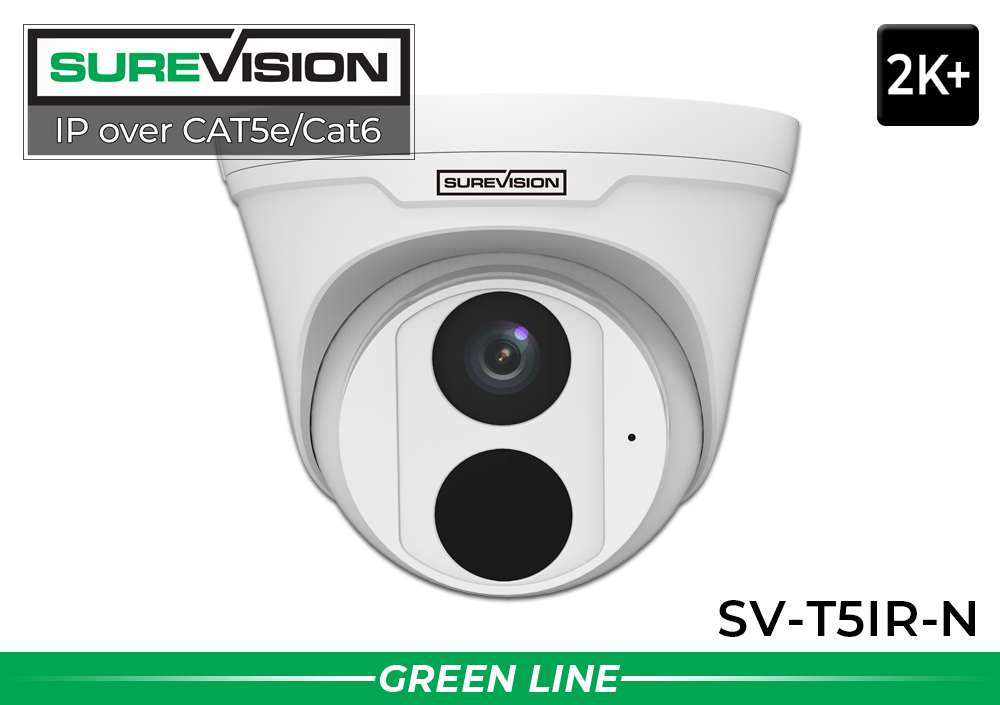
5MP PoE Turret Camera with Audio — SV-T5IR-N
A practical choice for offices, stores, restaurants, hallways, entrances, and stock rooms. It combines sharp 5MP video, a wide 2.8mm lens, built-in microphone, PoE, IP67 protection, and infrared night vision up to approximately 100 feet.
View Camera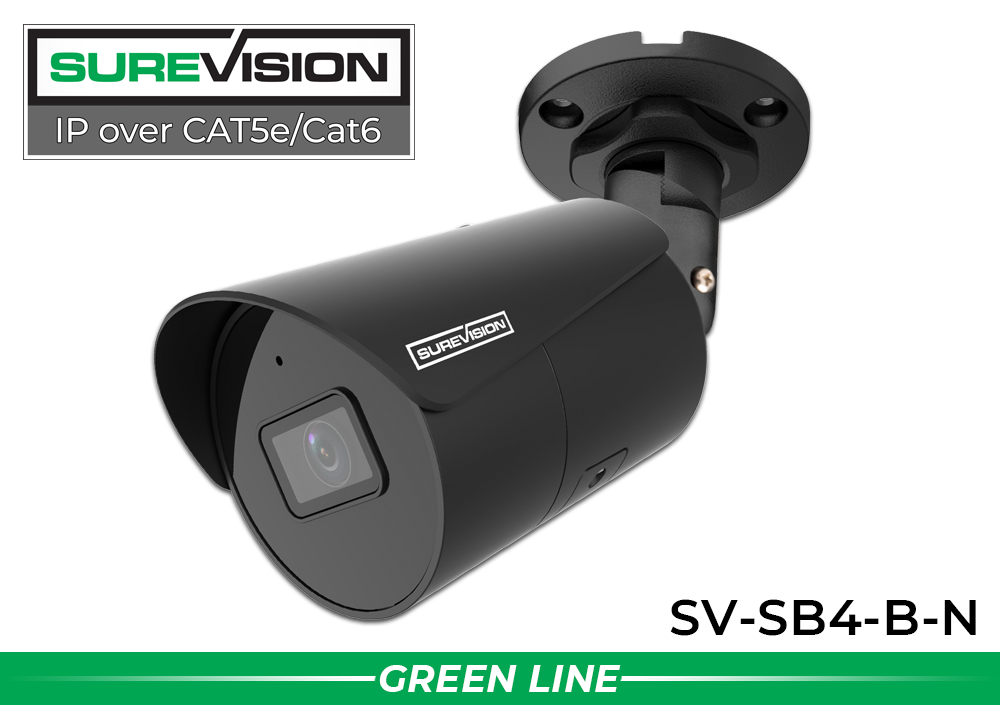
4MP Bullet Camera with Long-Range Night Vision — SV-SB4-B-N
The visible bullet design works well at front and rear doors, driveways, storefronts, loading areas, and exterior walls. It includes 4MP video, a wide 2.8mm lens, built-in microphone, IP67 protection, PoE, and infrared night vision up to 164 feet.
View Camera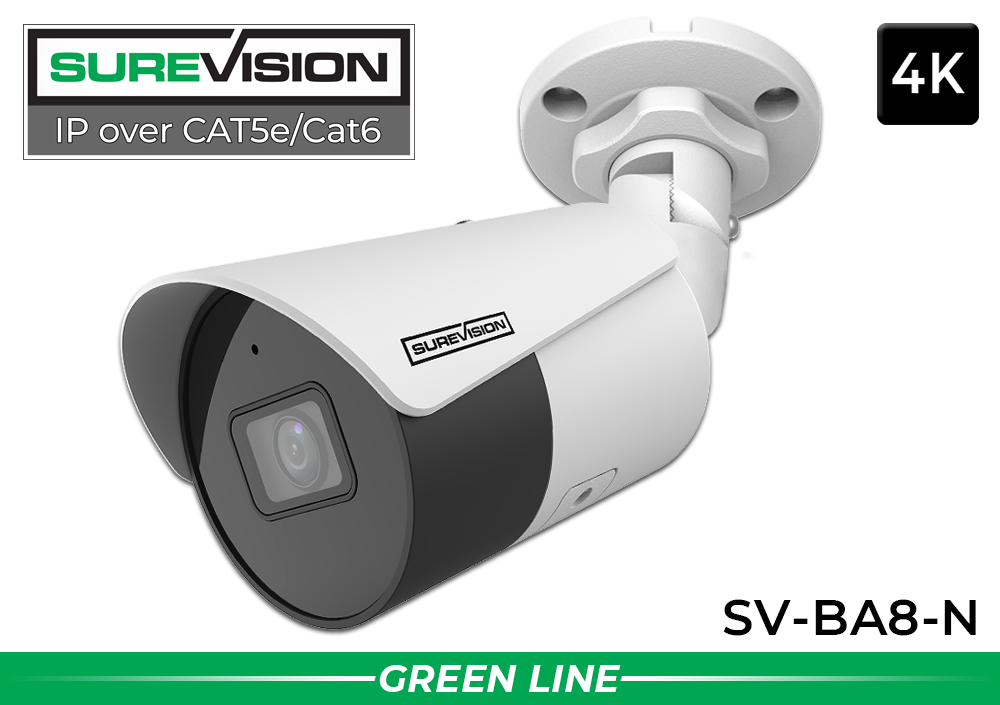
4K Bullet Camera with Audio & 164-Foot Night Vision — SV-BA8-N
Use this 8MP/4K camera where higher-resolution evidence matters, including parking approaches, loading areas, storefront exteriors, driveways, and larger indoor spaces. It includes a wide 2.8mm lens, built-in microphone, AI-supported detection, PoE, and long-range infrared illumination.
View Camera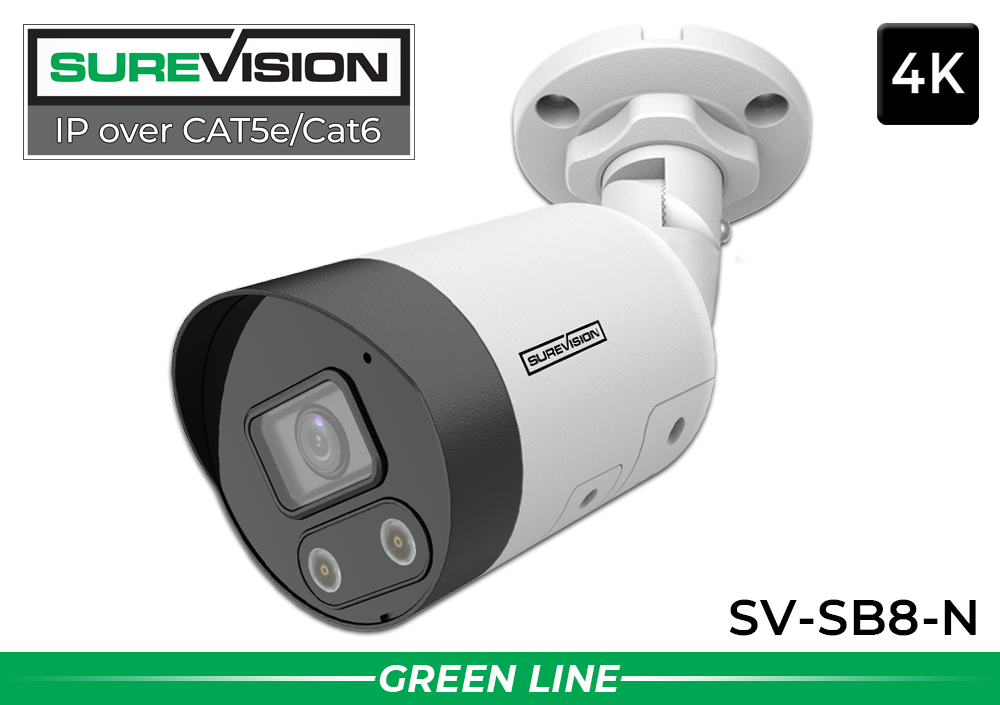
4K Active-Deterrence Camera with 2-Way Audio — SV-SB8-N
Ideal for rear doors, parking areas, loading zones, side yards, and vulnerable exterior points where you want more than passive recording. This 4K PoE camera adds a spotlight, siren, and 2-way audio so authorized users can respond to activity remotely.
View Camera
4MP Varifocal Camera with Motorized Zoom — SV-BV4-N
Choose a varifocal camera when a fixed wide-angle lens would show too much empty space. Its 2.8–12mm motorized lens can be adjusted for gates, loading docks, long corridors, narrower approaches, or a specific area within a parking lot. It also provides up to 164 feet of infrared night vision.
View Camera
10X PTZ Camera with Auto Tracking — SV-PTZ10X-N
A PTZ camera can pan, tilt, and optically zoom across larger parking areas, yards, warehouses, and commercial properties. This 4MP model includes 10X optical zoom, auto tracking, and infrared night vision up to 328 feet. Use it as a powerful supplemental view—not as a replacement for fixed cameras covering critical doors and transaction points.
View CameraSmall Business Security Camera Placement Tips
1. Capture faces at entrances
Mount entrance cameras at a height and angle that capture usable facial detail. A camera pointed down from an extreme height may show that someone entered without showing who it was. Watch for bright windows or sunlight behind the subject and use a camera with good wide dynamic range where necessary.
2. Give the register its own camera
Do not rely on a distant overview camera for checkout evidence. A dedicated POS view should show the transaction area, merchandise, and hands. If possible, add a second angle that captures the customer's face without being blocked by signs, displays, or the employee.
3. Overlap important paths
Overlap camera views at key transitions, such as the route from an entrance to the register or from a stock room to a rear exit. Overlap makes it easier to follow movement and reduces the chance that shelving, doors, equipment, or other people will hide an event.
4. Match the lens to the distance
Wide-angle cameras cover more of a nearby area, but objects become smaller as distance increases. Use a varifocal, PTZ, or specialized camera when the subject is farther away or when you need to focus on a gate, loading point, driveway, or lane rather than an entire scene.
5. Plan for night conditions
Evaluate each exterior location after dark. Avoid placing cameras where headlights, reflective surfaces, walls, or rooflines dominate the frame. Choose infrared, color-night, dual-light, or active-deterrence features based on the available lighting and the type of evidence you need.
6. Protect the recorder and network
Install the NVR in a secure, ventilated area with controlled access. Use strong passwords, keep authorized user accounts current, and connect critical recording equipment to an appropriate battery backup or surge-protection strategy.
Choose an NVR with Room to Expand
The camera count and recorder channel count are related, but they do not have to match exactly. If you need six cameras today, an 8-channel NVR may be enough. If you need eight cameras and expect to add an office, loading area, or second entrance, a 16-channel NVR gives you expansion room without replacing the recorder.
| Cameras Needed Now | Recorder Size to Consider | Why |
|---|---|---|
| 2–4 | 4- or 8-channel NVR | Supports a compact property while preserving basic expansion room. |
| 5–8 | 8- or 16-channel NVR | A 16-channel recorder is smarter when expansion is likely. |
| 9–16 | 16- or 32-channel NVR | Allows more perimeter, parking, or interior views later. |
| 17–24 | 32-channel NVR | Appropriate for larger facilities with multiple camera zones. |
Storage matters too. The required hard-drive capacity depends on the number of cameras, resolution, frame rate, recording schedule, compression, activity level, and how many days of video you want to retain. CCTV Security Pros can help estimate storage before you buy.
PoE IP Cameras or HD over Coax?
For most new small-business installations, a wired PoE IP system is the strongest starting point. One Cat5e or Cat6 cable carries power and video to each compatible camera, while an NVR provides centralized local storage, playback, remote viewing, and system management. Explore security camera cables and connections when planning the installation.
If your property already has usable coax cable from an older CCTV system, an HD-over-coax security camera system may let you upgrade video quality while reusing existing wiring. A professional review can help determine whether the current cable, power, connectors, and layout should be reused.
Common Camera-Sizing Mistakes to Avoid
- Expecting one camera to see everything: an overview is useful, but it may not capture identification-quality detail.
- Ignoring doors behind the building: rear entries, loading doors, and employee access points often deserve the same attention as the front entrance.
- Using only wide-angle cameras: broad coverage can make distant people and vehicles too small to identify.
- Choosing the recorder after the cameras: confirm channel capacity, resolution support, bandwidth, storage, and compatibility as part of the original plan.
- Leaving no expansion room: one future camera should not force you to replace the entire NVR.
- Failing to test nighttime views: a good daytime angle may perform poorly after dark due to glare, reflections, headlights, or insufficient illumination.
- Covering private areas: avoid restrooms, changing areas, and other locations where surveillance may violate privacy expectations or applicable law.
Frequently Asked Questions
Audio and video surveillance laws vary by jurisdiction. Confirm applicable privacy, notice, consent, and audio-recording requirements before installation or activation.
