
Wired IP Camera Systems for Business: Complete PoE Security Guide
Posted by Gregory Derouanna, MBA on Sep 12, 2024
For many businesses, surveillance needs extend far beyond a single camera at the front door. A warehouse may need coverage of loading docks, aisles and exterior yards. A retail store may need cameras at entrances, registers, sales floors and stockrooms. An office property may need coverage of entrances, parking areas and common spaces.
A professionally planned security camera system brings those views together into one coordinated recording platform.
That is where wired IP and PoE surveillance is especially useful. Compatible cameras connect through Ethernet, video is recorded locally to an NVR, and authorized users can manage live and recorded footage from a centralized system.
What Is a Wired IP Camera System?
A wired IP camera system uses network security cameras connected through Ethernet infrastructure. Compatible PoE cameras can receive power and transmit network data over the same Ethernet connection. Video is typically recorded to a Network Video Recorder, or NVR, where footage can be stored locally, searched, played back and exported.
How Wired IP Security Camera Systems Work
A professional IP security system is built from several compatible components working together.
What Is a PoE Security Camera System?
PoE stands for Power over Ethernet. With compatible equipment, one Ethernet connection can carry both network data and camera power.
This makes PoE security camera systems especially attractive for permanent business surveillance because the camera wiring and network architecture can be planned together.
Some systems connect cameras directly to PoE ports on the NVR, while larger installations may use compatible PoE switches as part of the network design.
SureVision IP Security Cameras & NVR Systems
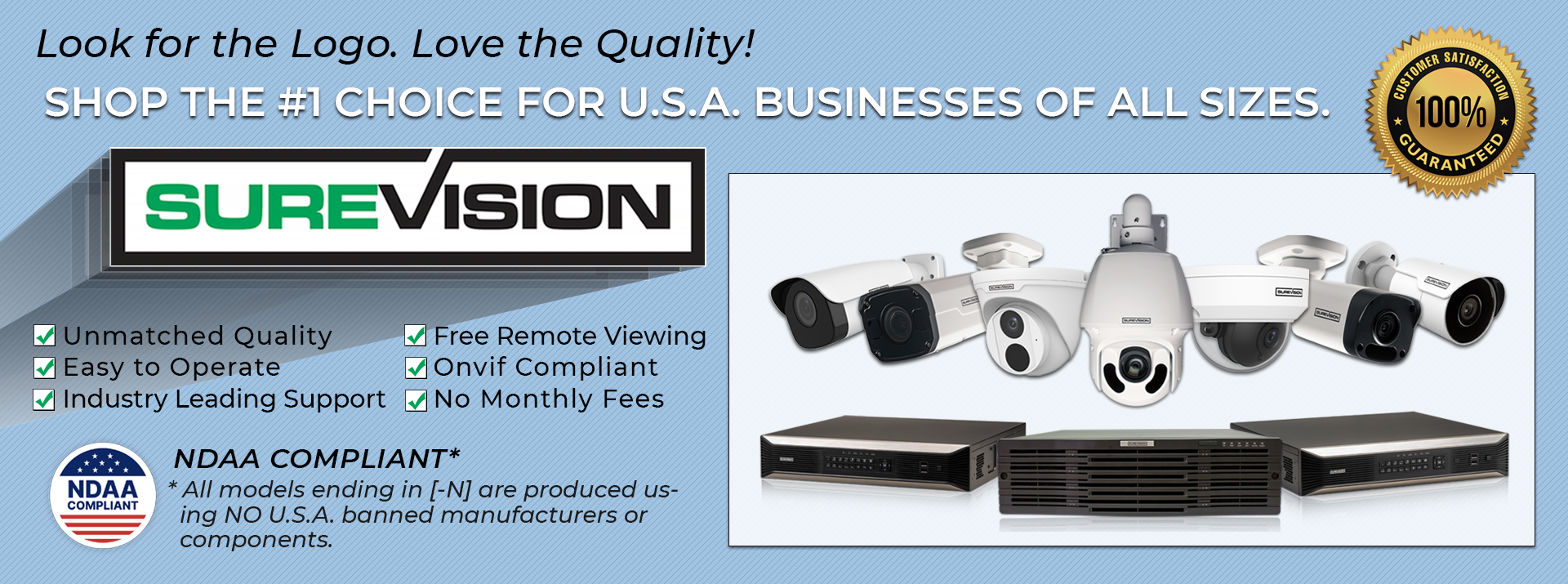
SureVision is CCTV Security Pros' professional IP surveillance platform. Compatible SureVision IP security cameras can be paired with SureVision NVRs to build complete wired PoE camera systems for business, commercial and residential surveillance.
The system can be customized with different compatible camera styles rather than requiring every location to use the same camera.
Shop SureVision Cameras Shop SureVision NVRsWhy Businesses Choose Wired IP Security Cameras
Consumer Wi-Fi cameras can be convenient for individual locations, but businesses often need a more structured surveillance platform with many cameras recording continuously. That is where wired IP surveillance has important advantages.
Wired IP Camera Systems for Different Businesses
One of the biggest strengths of an IP surveillance system is flexibility. Different camera styles can be selected around the actual needs of the property.
Best IP Security Camera Types for Business
A professionally designed camera system uses the right camera for each view.
Remote Viewing for Business Security Cameras
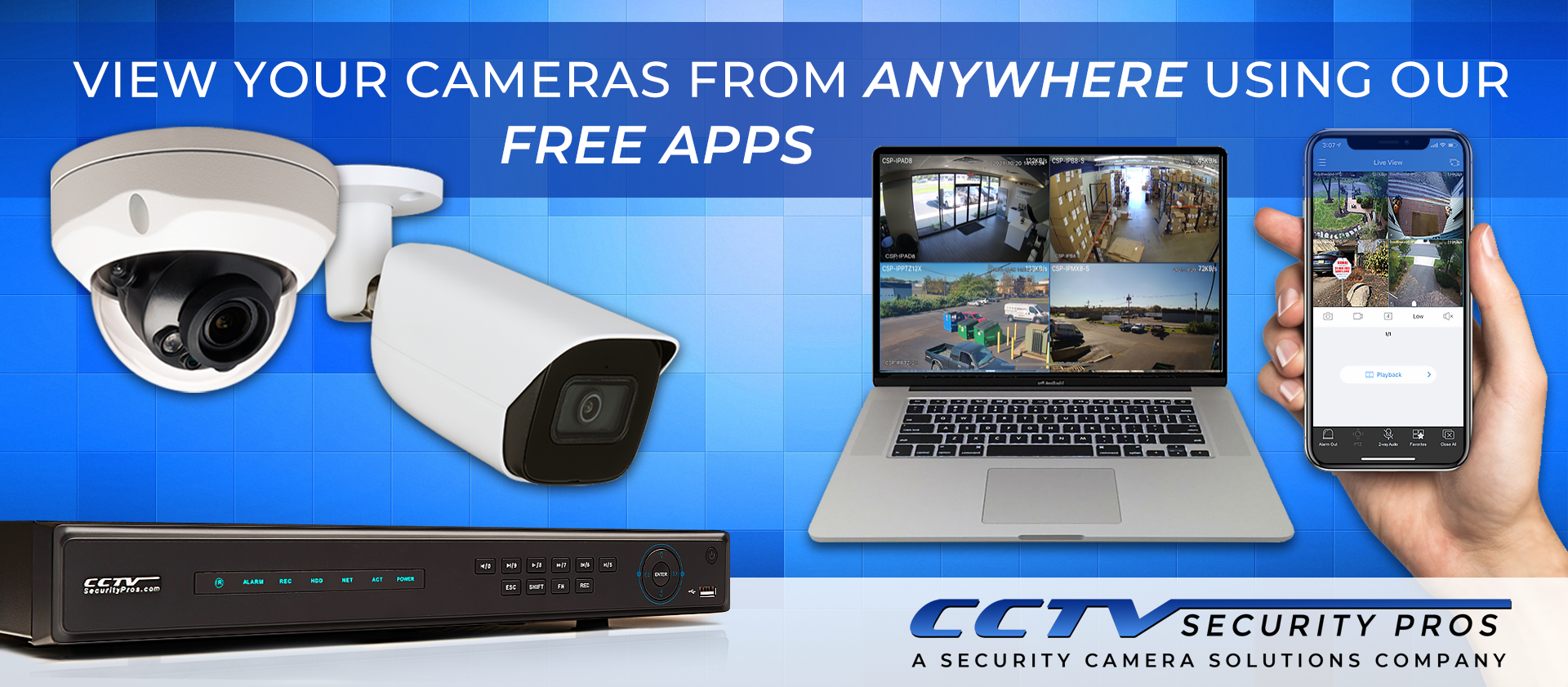
Local NVR recording can be combined with remote viewing. Once a compatible system is properly connected and configured, authorized users can access supported live and recorded footage from phones and computers.
This can be useful for owners overseeing multiple locations, managers checking a property after hours or staff reviewing a recorded event without standing directly in front of the NVR.
Internet service is generally required for off-site access, but a properly configured NVR can normally continue recording locally during a temporary internet outage.
Local NVR Recording for Business Security Cameras
The NVR is the central recording device in a professional IP security camera system. It receives network video, stores footage on installed hard drives and provides a central interface for playback, export and system management.
CCTV Security Pros offers SureVision NVR recorders for systems ranging from smaller properties to large commercial camera counts.
A recorder should be selected based on camera count, camera resolution, incoming bandwidth, hard-drive requirements and expected future expansion.
Local Recording Without Required Monthly Cloud-Storage Fees
A professionally configured SureVision NVR can record compatible security cameras to local hard drives without requiring a monthly cloud-storage subscription for basic surveillance recording. Optional services and internet access may involve separate costs, but the core recording system remains local.
4K IP Security Cameras for Business
4K cameras can provide additional recorded detail compared with lower-resolution cameras, which can be valuable in business surveillance applications where fine visual information matters.
Resolution should not be evaluated alone. Lens choice, mounting position, viewing distance, lighting and storage capacity all affect the usefulness of recorded footage.
Browse 4K security cameras when higher-resolution video is required.
Night Vision for Commercial Surveillance
Businesses need useful surveillance after dark as well as during the day. Many professional IP cameras include infrared night vision, while selected models can provide enhanced low-light or color-night capabilities.
Night performance depends on the actual location. Ambient lighting, nearby reflective surfaces, camera mounting height and subject distance can all influence nighttime footage.
Smart Human & Vehicle Detection
Modern IP surveillance systems can provide more useful event detection than basic motion alone. Compatible cameras and recorders may distinguish supported human and vehicle activity and provide additional perimeter tools.
Depending on the specific camera and NVR, supported analytics can include intrusion regions, line crossing and other event rules. Features vary by model and should be confirmed before purchase.
PTZ Cameras for Large Business Properties
Large parking lots, warehouse yards and industrial properties may benefit from PTZ security cameras .
PTZ cameras can pan horizontally, tilt vertically and use optical zoom to inspect activity farther from the mounting point. Selected models can also provide auto-tracking features.
PTZ cameras are usually most effective when used alongside fixed cameras, which maintain continuous coverage of important evidence locations while the PTZ moves between views.
Scalable IP Camera Systems for Growing Businesses
One reason IP camera systems work well for businesses is that the surveillance platform can be planned around both current and future needs.
A company might begin with eight cameras while choosing a recorder with additional channels. If a new entrance, storage area or building later requires coverage, compatible cameras can be added without necessarily replacing the existing recorder.
Future expansion should also account for NVR bandwidth, PoE capacity, network infrastructure and hard-drive storage—not only the number of unused channels.
Choose a Wired IP Camera System by Camera Count
CCTV Security Pros offers IP security camera systems in multiple sizes for small businesses through larger commercial facilities.
Installing a Wired IP Security Camera System
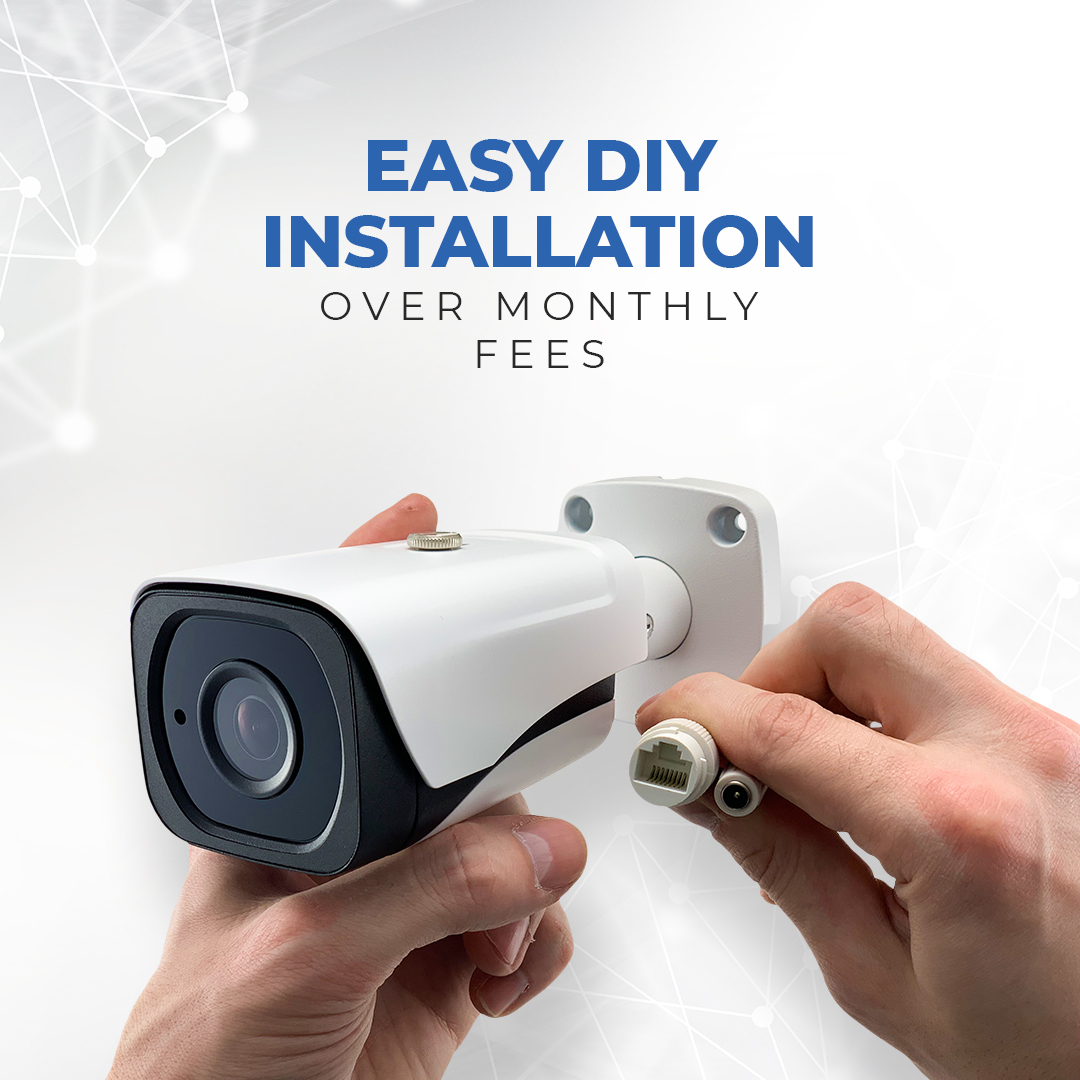
A reliable installation begins with planning. Before running cable, determine the required camera positions, recorder location, network architecture and expected viewing distances.
- Plan camera views. Determine exactly what each camera needs to see before selecting the mounting point.
- Choose the NVR location. Place the recorder in a secure location with appropriate access to power and networking.
- Run Ethernet cabling. Use the appropriate cable type and installation method for the building and environment.
- Mount the cameras. Select positions that provide useful fields of view while minimizing obstructions.
- Configure recording. Set schedules, supported motion or smart events and retention according to the project requirements.
- Configure remote access. Set up supported remote viewing when off-site access is required.
- Test day and night video. Confirm camera views and nighttime performance before considering coverage complete.
CCTV Security Pros supplies the surveillance equipment and provides technical and setup support. We do not provide installation services. Customers can install their own equipment or hire a qualified local installer separately.
Business Security, Privacy & Compliance Considerations
Security cameras can support operational security and incident documentation, but camera placement and recording practices should also respect applicable privacy, workplace, audio-recording and industry-specific requirements.
Requirements vary by jurisdiction, industry, property type and use case. Businesses should evaluate applicable rules before recording audio, placing cameras in sensitive areas or using surveillance footage for regulated purposes.
For federal, government-funded or other projects with equipment restrictions, verify the specific camera and recorder configuration and applicable procurement requirements before purchasing.
Wired IP Cameras vs. HD-Over-Coax CCTV
IP is not the only professional wired surveillance technology. Properties with compatible existing coaxial camera wiring may benefit from a modern HD-over-coax CCTV system .
| Feature | IP / PoE System | HD CCTV System |
|---|---|---|
| Camera Type | Network/IP cameras | Compatible HD-over-coax cameras |
| Primary Cable | Cat5e / Cat6 Ethernet | Coaxial cable |
| Recorder | NVR | DVR |
| Best Fit | Many new installations and expandable networks | Properties with compatible existing coax |
How to Choose a Wired IP Camera System for Your Business
- Identify the areas that need surveillance. List entrances, interior spaces, parking areas, yards, loading docks and other critical views.
- Determine camera count. Choose enough cameras for the required views rather than simply counting rooms.
- Select camera types individually. Match the field of view, resolution, night performance and zoom to each location.
- Choose the right NVR. Evaluate channel count, bandwidth, storage and PoE requirements.
- Plan recording retention. Decide how long footage should remain available before it is overwritten.
- Leave room to expand. Additional channels and storage headroom can make future growth easier.
- Test the completed system. Review live and recorded video during both daylight and nighttime conditions.
Why Businesses Choose CCTV Security Pros
CCTV Security Pros has supplied professional surveillance equipment since 2008. Our focus is on dependable wired camera systems that can be customized around the business, rather than forcing every property into one preconfigured package.
Wired IP Camera System FAQs
What is a wired IP camera system?
It is a surveillance system using network security cameras connected through Ethernet infrastructure, typically with video recorded locally to an NVR.
What does PoE mean for security cameras?
PoE means Power over Ethernet. Compatible cameras can receive power and transmit network data through an Ethernet connection.
Are wired IP cameras good for businesses?
Yes. They are particularly well suited to businesses that need dependable multi-camera surveillance, centralized NVR recording and the ability to expand the system over time.
Do IP camera systems need internet?
Internet is not normally required for basic local NVR recording. An internet connection is generally required for remote viewing outside the property.
Do PoE security camera systems require monthly fees?
A compatible system can record locally to an NVR without requiring a monthly cloud-storage subscription for basic recording.
Can wired IP cameras record 24/7?
Compatible NVR systems can be configured for continuous, scheduled or supported event-based recording.
Can I view business security cameras from my phone?
Compatible systems can provide authorized remote access to supported live and recorded video from smartphones and computers.
Are 4K IP cameras worth using?
4K cameras can provide additional recorded detail where the scene, lens, lighting and viewing distance support it. Not every camera location requires 4K.
How many cameras does a business need?
The number depends on the surveillance views required. Entrances, parking areas, interior spaces, loading areas and exterior property zones should be evaluated individually.
Can I add cameras later?
Yes, when the NVR has available channels and sufficient bandwidth, storage and PoE capacity for the additional compatible cameras.
Are IP cameras better than CCTV cameras?
IP cameras are often a strong choice for new network-based installations. HD-over-coax CCTV can be an excellent solution when compatible coaxial cabling is already installed and worth retaining.
Build a Wired IP Camera System for Your Business
Whether you need surveillance for a retail store, office, warehouse, parking lot or large commercial property, CCTV Security Pros can help you select compatible IP cameras, NVR capacity and local video storage for a professional wired surveillance system.
Shop IP & PoE Systems Shop IP Security Cameras Call 888-653-2288